TRAINING GUIDE
Employee Training Matrix Template: Assignments, Owners and Follow-Up
A practical way to see who needs to learn what, who owns each assignment, and what evidence supports completion—with a fictional example you can adapt.
Important: This guide provides general operational information, not legal advice. Employment requirements vary by location, industry, workforce, and situation. Confirm current requirements with qualified HR or legal professionals.
A WORKING VIEW OF ASSIGNED LEARNING
What is an employee training matrix?
A training matrix connects people or roles with the learning assigned to them. A useful version also shows who owns each assignment, when it is due, what confirms completion, and when someone should review the result.
Download the editable employee training matrix (Excel). Use the workbook to plan assignments and track follow-up. Replace the fictional examples with your approved topics and dates before using it for your team.
This is a general planning tool. It does not determine legally required training, certify anyone’s competence, or establish that a person is authorized to perform a regulated task. The responsible subject owner must decide the requirements and evidence appropriate to the work.
STEP 01
Start with the work each role needs to do
List the work outcomes for a role before collecting course titles. An operations coordinator may need to submit a complete supply request, find the approved process guide, and flag a missing input. Those are more useful starting points than an assignment called “general operations training.”
For each topic, ask the subject owner what the employee should be able to explain or demonstrate after learning. CDC’s training-development guidance describes learning objectives as a way to connect instruction with intended outcomes. Its public-health training context does not make this worksheet a CDC-endorsed program.
- Identify the audience. Record the role, team, or location to which the learning applies.
- Describe the result. State the work the person should be able to perform or explain.
- Select the learning activity. This might be a walkthrough, a documented procedure, coaching, practice, or an approved course.
- Name the content owner. Someone must maintain the activity and decide when it changes.
- Confirm the prerequisites. Note any access, prior learning, or supervised practice needed before starting.
Do not assume every performance gap is a training gap. A person who knows the process but lacks system access needs an access decision. A conflicting assignment may need a workload decision. Record that blocker separately instead of assigning the same course again.
STEP 02
Use fields that make follow-up possible
A grid with employees down one side and topics across the top can show broad coverage. For day-to-day administration, a row for each person-and-topic assignment makes owners, dates, and evidence easier to filter and maintain.
| Field | What to record | Why it helps |
|---|---|---|
| Person or role | The intended learner and relevant team/location | Clarifies who the assignment applies to |
| Topic and version | The specific activity, procedure, or approved course | Separates current learning from older material |
| Owner and support | The person assigning, delivering, or checking the work | Gives the employee a route for questions |
| Due date | The date agreed by the responsible owner | Makes open assignments actionable |
| Status | The assignment’s current stage and any blocker | Separates planned, underway, and completed work |
| Completion evidence | A date and reference to the approved record | Explains what supports the completion entry |
| Review or renewal | The next check and its owner, when applicable | Keeps learning connected to later work |
Keep private notes and full employee documents in the appropriate controlled location. A broadly shared matrix can use record references and status without copying sensitive material into every row. See the employee-file organization guide for category and access planning.
For new hires, connect the relevant assignments to the onboarding checklist. Keep a single owner for updates so two trackers do not disagree about whether the same task is finished.
STEP 03
Decide what “complete” means before assigning the work
Opening a document, attending a session, passing an assessment, and applying a process are different observations. Choose the evidence that fits the learning objective and the organization’s approved process, and label the status accordingly.
“Training done.”
“Supply-request walkthrough v2 attended September 21. Practice request reviewed by the location manager September 22. First live request review scheduled September 29.”
CDC’s training-evaluation guidance distinguishes learning from applying that learning at work. It also cautions that satisfaction alone does not determine training effectiveness. A completion count can help manage assignments without proving that the learning transferred to the job.
- Before assignment: explain the expected activity, evidence, due date, and contact for help.
- At completion: record the actual result and the person who checked it, where review is part of the process.
- At follow-up: ask whether the person can use the learning in the intended work and what support remains necessary.
If an assignment is not applicable, record the owner’s decision and reason. Do not use a blank cell to mean both “not yet checked” and “not required.” Do not change a record to complete simply to clear an overdue report.
FICTIONAL WORKED EXAMPLE
Track one workflow across three roles
A fictional two-location company introduces an updated supply-request process. Alex submits requests, Jordan approves them, and Casey maintains the shared procedure. Each person has a different assignment even though all three are working on the same process.
| Role / person | Assignment | Owner + due date | Evidence + next review |
|---|---|---|---|
| Coordinator / Alex | Use the v2 form to prepare a sample request | Jordan, September 22 | Sample reviewed; check the first live request September 29 |
| Supervisor / Jordan | Practice the approval and missing-input handoff | Operations lead, September 23 | Walkthrough reviewed; discuss open questions at the next manager check-in |
| Process owner / Casey | Update the guide and identify the support contact | Operations lead, September 21 | Approved guide published; review after the first two request cycles |
Alex completes the practice request but cannot open the live form. Jordan records the practice evidence and creates a separate access task for IT. The first live-work review remains scheduled; the team does not treat attendance as proof that the whole workflow is ready.
After the first cycle, Casey learns that the guide does not explain what to do when a count is missing. The operations lead approves a clarification. Casey records the changed version, and Jordan tells affected users what changed and whether a follow-up activity is needed.
This example illustrates ownership and evidence. It is not a customer outcome, a course recommendation, or a qualification decision.
STEP 04
Review open assignments and changes
Choose a review rhythm that fits the work. At each review, filter for overdue dates, missing owners, unverified completion records, and blocked assignments. Ask what action can move each item forward.
- 01
Confirm applicability: check recent hires, role changes, location moves, and departures.
- 02
Resolve blockers: distinguish missing access, unavailable instruction, unclear expectations, and scheduling conflicts.
- 03
Check the evidence: reconcile recorded completion with the approved source record.
- 04
Review the material: ask the content owner whether a changed process requires an update or new assignment.
- 05
Set the next action: name an owner and date for every unresolved item.
Do not invent a renewal date because the spreadsheet has a column for it. Have the responsible owner decide whether a further review or renewal applies. Preserve completed history when a new version creates a new assignment.
KEEP LEARNING CONNECTED
Bring the matrix into onboarding and manager follow-up
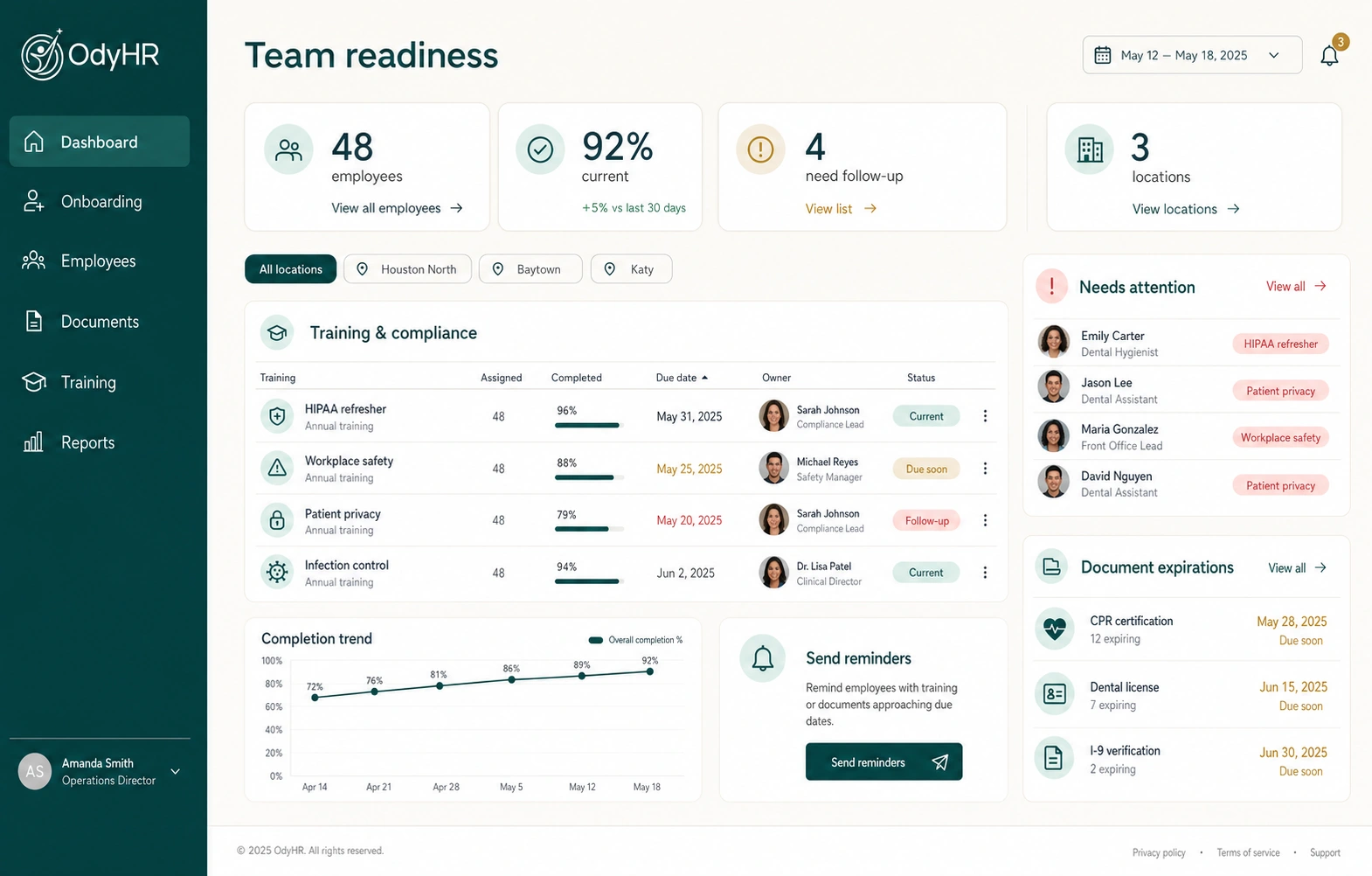
Use the matrix as a conversation aid: what is assigned, what is complete, and what needs support? It works best when the employee, manager, and training owner agree on the meaning of the fields.
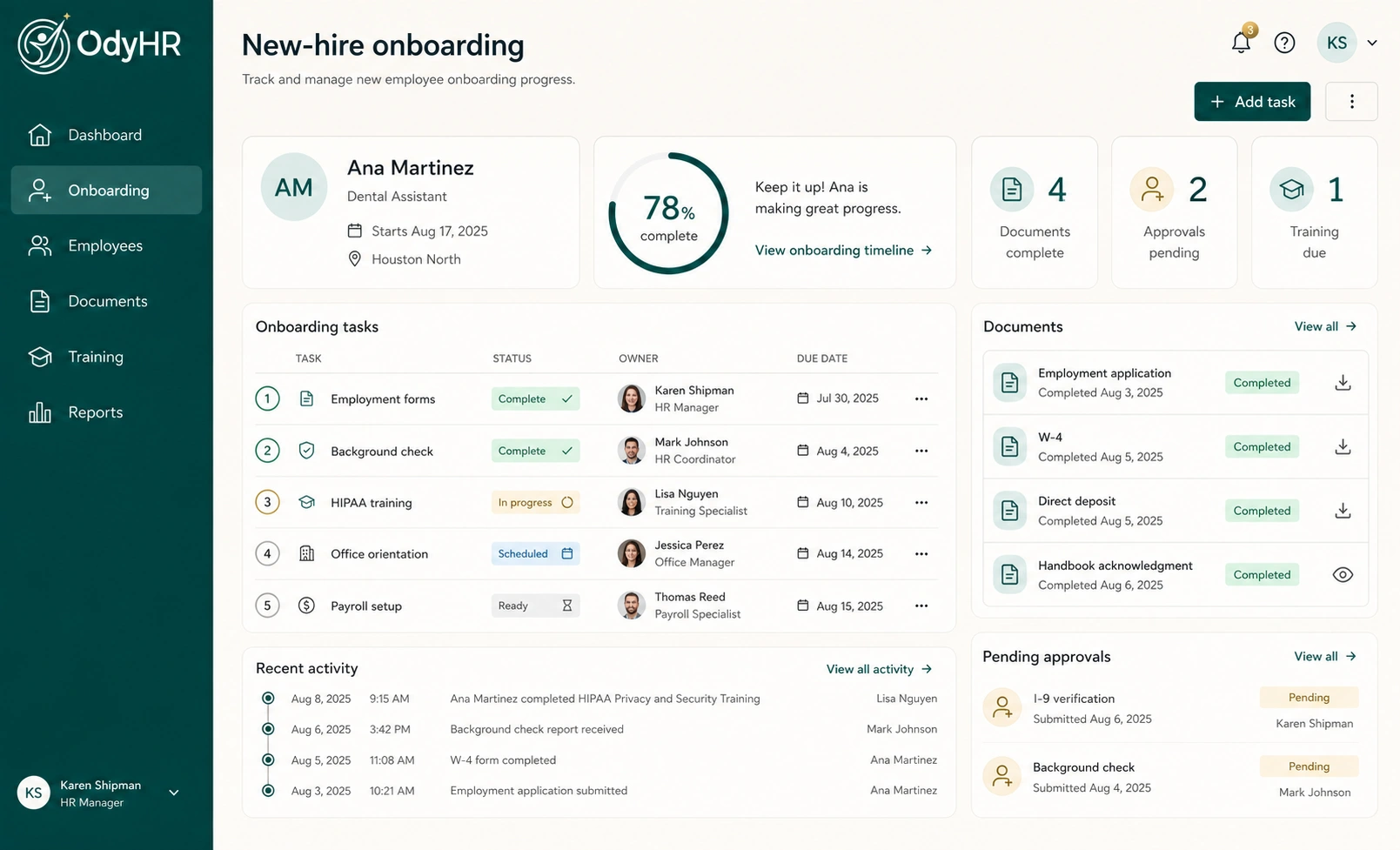
Explore OdyHR’s onboarding workflow for connecting assigned work to an employee’s start. For later development conversations, use the performance evaluation guide and review the performance-evaluation workflow.
A new manager can use the new supervisor checklist to establish a regular check-in routine. If you are evaluating OdyHR, bring the matrix and its evidence needs to a product conversation so the team can confirm the right setup.
AUTHORITATIVE REFERENCES