Documented expectations
Keep the expectations being discussed connected to the employee record. Give managers a basis for reviewing the work and explaining the feedback they provide.
 Request pricing
 EMPLOYEE PERFORMANCE EVALUATION SOFTWARE
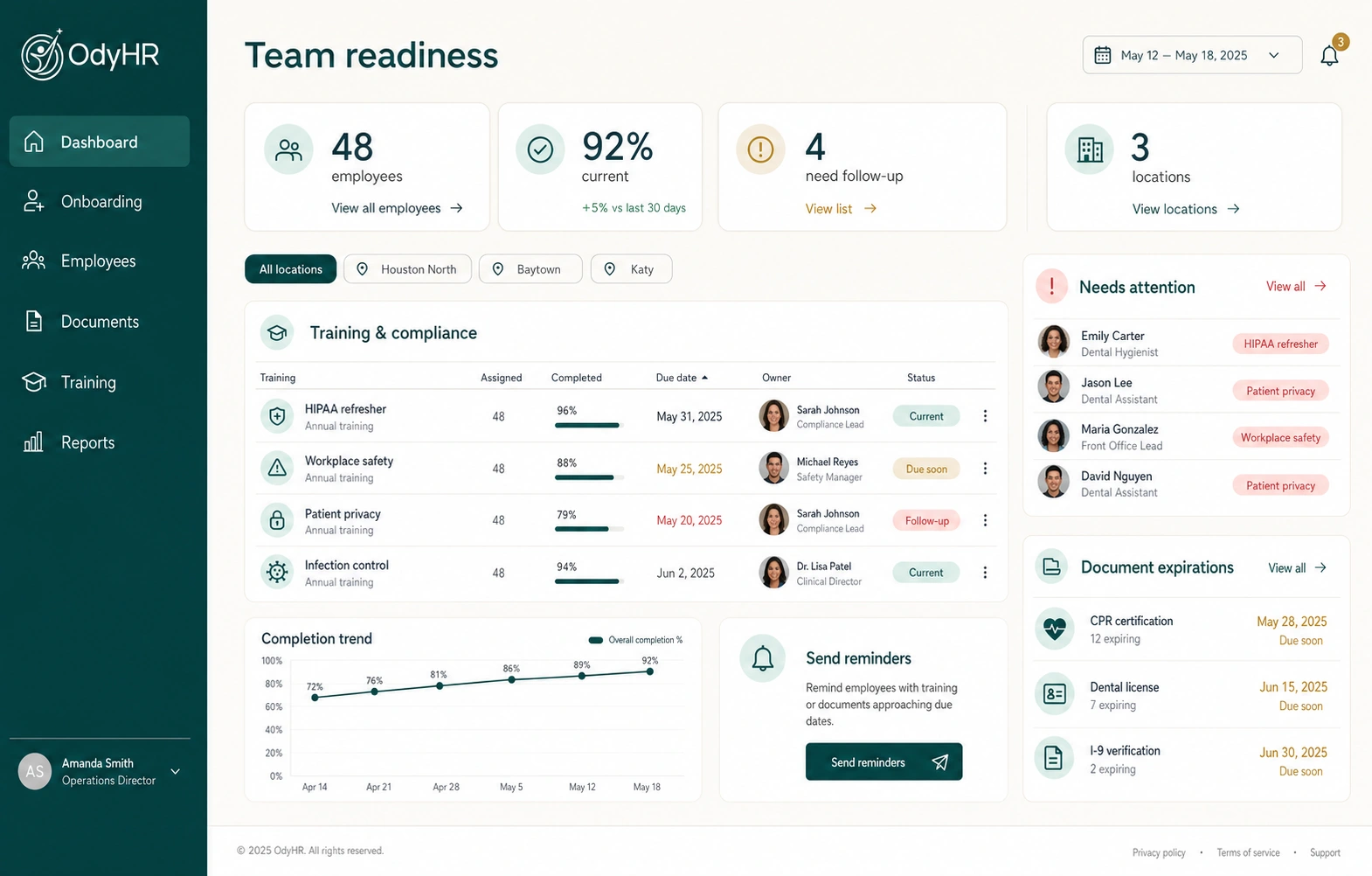
THE WORK, CONNECTED
Keep the expectations being discussed connected to the employee record. Give managers a basis for reviewing the work and explaining the feedback they provide.
Organize manager feedback and review history alongside relevant employee documents, training, and dated activity. Return to that context when preparing the next conversation.
Keep management review, approvals, and the next action visible. Carry the conversation forward through documented follow-up instead of leaving an evaluation as an isolated event.
HOW THE WORKFLOW FITS TOGETHER
Identify the responsibilities and review period being discussed. Check whether the employee had clear expectations and the support needed to meet them.
Use dated examples of work and its effect. Include accomplishments and areas for improvement, and distinguish what was observed from a manager’s interpretation.
Have the conversation, hear the employee’s perspective, and record the agreed next actions. Keep the review with the employee’s evaluation history and relevant management review.
Give each action an owner and a check-in date. At the next conversation, record what changed and whether the support or expectation needs to be adjusted.
A WORKED EXAMPLE
Jordan Ellis works on a fictional operations team. This example shows how a manager can turn a specific observation into a practical follow-up; it is not a product-generated assessment.
| Review element | Example | Owner / follow-up |
|---|---|---|
| Expectation | Send the weekly handoff summary by the agreed Friday deadline | Jordan + team manager |
| Observation | The September 4 summary arrived Monday; two open requests needed a separate handoff | Manager records the dated example |
| Employee context | Jordan reports that late status updates made the summary difficult to finish | Manager checks the dependency with the team |
| Agreed action | Set an earlier status cutoff and review the next two Friday summaries | Jordan prepares the summaries; manager checks progress |
Use observable facts and make room for the employee’s response. Keep ongoing observations in a performance log; use the evaluation to discuss the period as a whole.
MAKE IT FIT YOUR OPERATION
Identify who prepares feedback, who reviews it, and who follows up. Bring your manager and employee access needs to the setup discussion so the workflow matches your organization.
A review may identify a need for instruction, practice, or clearer expectations. OdyHR connects training and performance records; define what support is needed and how the manager will check its effect.
Use a performance log for dated observations and everyday follow-up. Use a periodic evaluation to assess the broader period, discuss achievements, and agree on priorities. The resources below help you prepare both.
TRY THE SAMPLE JOURNEY
The fictional demo shows a manager assigning a reviewer, a Team Lead preparing feedback, and an employee reviewing the sample evaluation. Confirm your own review and acknowledgment setup during a product conversation.
EXPLORE THE INTERACTIVE DEMOBEFORE YOU CHOOSE
OdyHR connects documented expectations, manager feedback, evaluation history, management review, approvals, and follow-up with the employee record. Discuss your specific review process and configuration during the product evaluation.
A log captures individual observations, conversations, and follow-up as work happens. An evaluation brings the relevant period together for a structured discussion of performance, development, and next priorities. They support each other but serve different jobs.
The workflow described here organizes manager documentation and follow-up. Managers remain responsible for their assessment, the evidence they use, and the conversation with the employee.
The interactive demo includes a fictional evaluation journey across manager, Team Lead, and employee views. It illustrates the workflow without sending a real evaluation. Confirm reviewer permissions and acknowledgment requirements for your setup with OdyHR.
LET’S TALK THROUGH YOUR WORKFLOW