TRAINING GUIDE
Employee Training Record Template: Free Excel Log and Printable PDF
Log completed training for your whole team, see which renewals are due soon or overdue, and print a one-page record for any employee.
FREE DOWNLOAD · NO SIGNUP
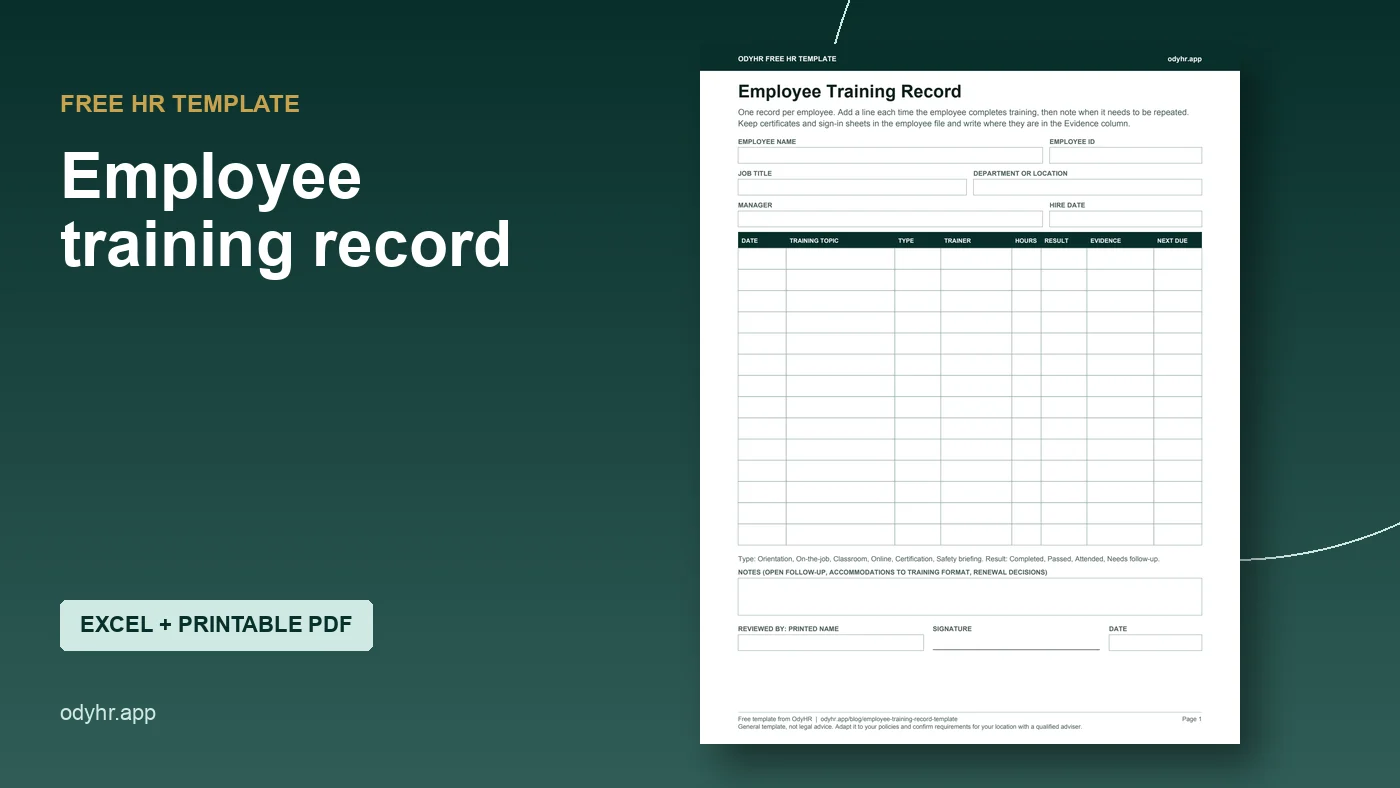
Employee training record
Excel training log with renewal tracking and a printable per-employee page, plus a one-page fillable PDF.
Important: This guide provides general operational information, not legal advice. Employment requirements vary by location, industry, workforce, and situation. Confirm current requirements with qualified HR or legal professionals.
WHAT YOU GET
A training log that tells you what is due next
An employee training record lists the training each person has completed: the topic, the date, who delivered it, the result, and where the proof is kept. A good one also tells you when something has to be repeated, so a lapsed certification does not surprise you during an audit or an incident review.
The free download has two parts:
- Excel workbook. A Training log for your whole team with dropdowns, hours, and a renewal column. Enter how often a course must be repeated and the sheet calculates the next due date and flags it as Current, Due soon (within 30 days) or Overdue. An Employee record tab pulls one person’s training onto a printable page when you type their ID.
- Printable PDF. A one-page training record for a single employee. You can fill it in on screen or print it for a binder or the employee file.
Both files include a fictional example. Nothing to sign up for.
PREVIEW
What the Training log looks like
These are fictional rows from the example tab. In the real file, the gray columns calculate on their own and the status colors update every time you open it.
| Employee | ID | Training topic | Type | Completed | Repeat (months) | Next due | Status |
|---|---|---|---|---|---|---|---|
| Jordan Ellis | DEMO-014 | Fire extinguisher use | Safety briefing | Sep 15, 2026 | 12 | Sep 15, 2027 | Current |
| Casey Morgan | DEMO-021 | Handling patient records | Online course | Oct 20, 2025 | 12 | Oct 20, 2026 | Due soon |
| Casey Morgan | DEMO-021 | CPR and first aid | Certification | Nov 2, 2025 | 24 | Nov 2, 2027 | Current |
| Alex Rivera | DEMO-030 | Forklift refresher | Classroom | Jun 3, 2026 |
Fictional example. Renewal intervals shown are examples, not requirements.
HOW TO USE IT
Set it up in about 15 minutes
- 01
List what you already have. Pull together sign-in sheets, certificates and course exports from the last year or two. Enter one row per person per training.
- 02
Use a stable employee ID. Names change and get misspelled. The Employee record tab matches on ID, so use the same one everywhere.
- 03
Fill in “Repeat every” only when someone set a renewal period. That might be a regulation, a licensing body, the course provider, or your own policy. Leave it blank for one-time training such as orientation.
- 04
Write where the proof lives. “Employee file > Training” or “Sign-in sheet 2026-09-15” is enough. Keep the certificate itself in the employee file, not pasted into the spreadsheet.
- 05
Check it once a month. Filter Renewal status for Overdue and Due soon, schedule those sessions, and update the row when they are done.
If you are planning training for a whole team instead of recording what happened, start with the employee training matrix template. The matrix plans who needs what; this record shows what each person actually completed.
FICTIONAL WORKED EXAMPLE
One overdue course, caught before it mattered
A fictional 18-person dental office keeps its training in the workbook. On October 1 the office manager filters Renewal status and sees one Due soon row: Casey’s annual patient-records course, next due October 20.
She books the course for October 14, and after Casey finishes, adds a new row with the new completion date. The old row stays, so the history shows both years. The new row calculates the next due date for the following October.
She also notices Alex’s forklift refresher shows “Needs follow-up” with no renewal date. The practical evaluation never happened. She assigns it to the safety lead with a date, instead of treating attendance as completion.
This example shows record-keeping, not legal requirements. Whether a course must be repeated, and how often, depends on your industry, your location and the training itself.
WHEN A SPREADSHEET STOPS BEING ENOUGH
Where OdyHR fits
A spreadsheet works well for one location and one person keeping it current. It gets harder when several managers assign training, when people change roles, or when you need the training history next to the rest of the employee’s record.
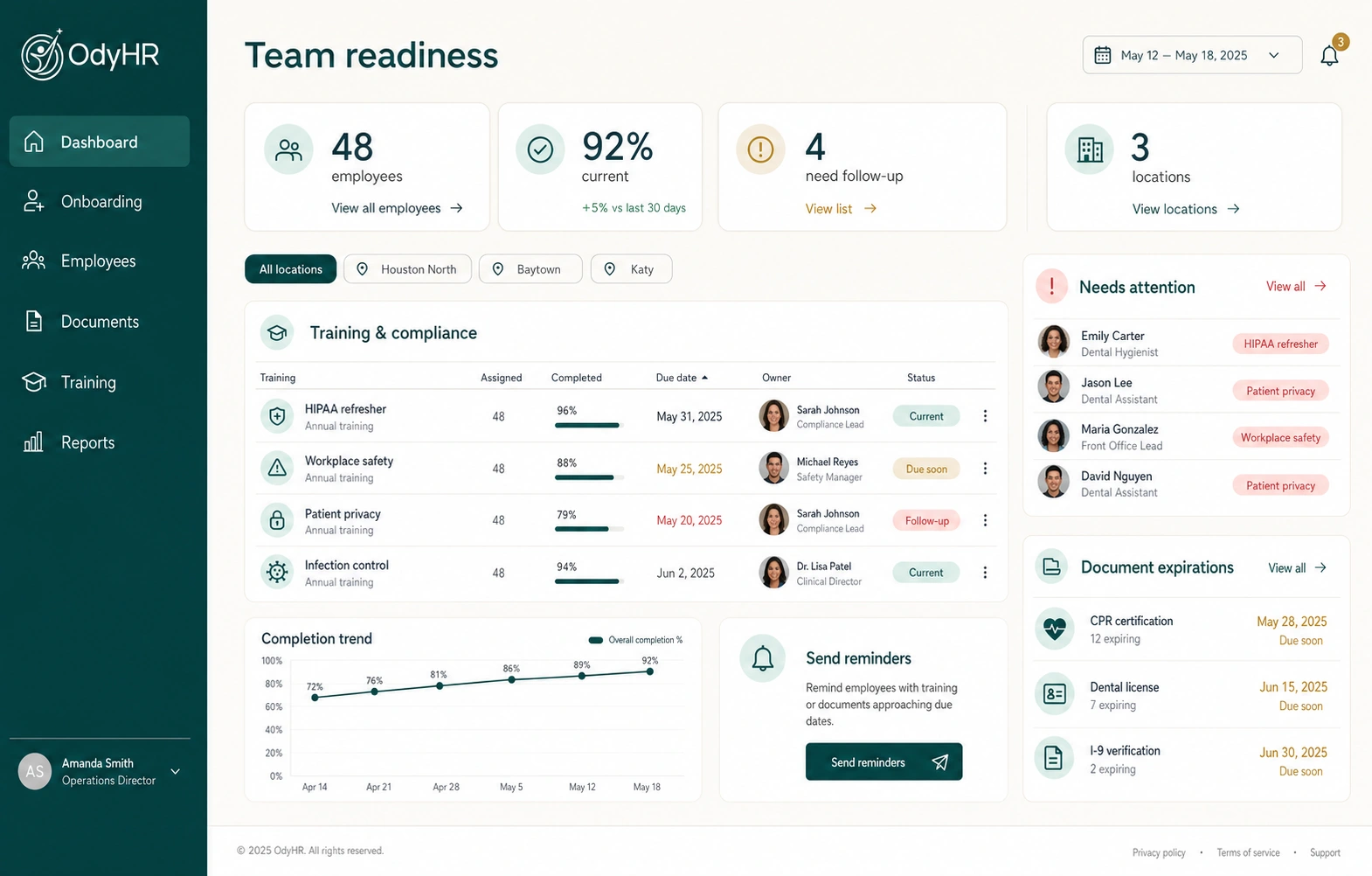
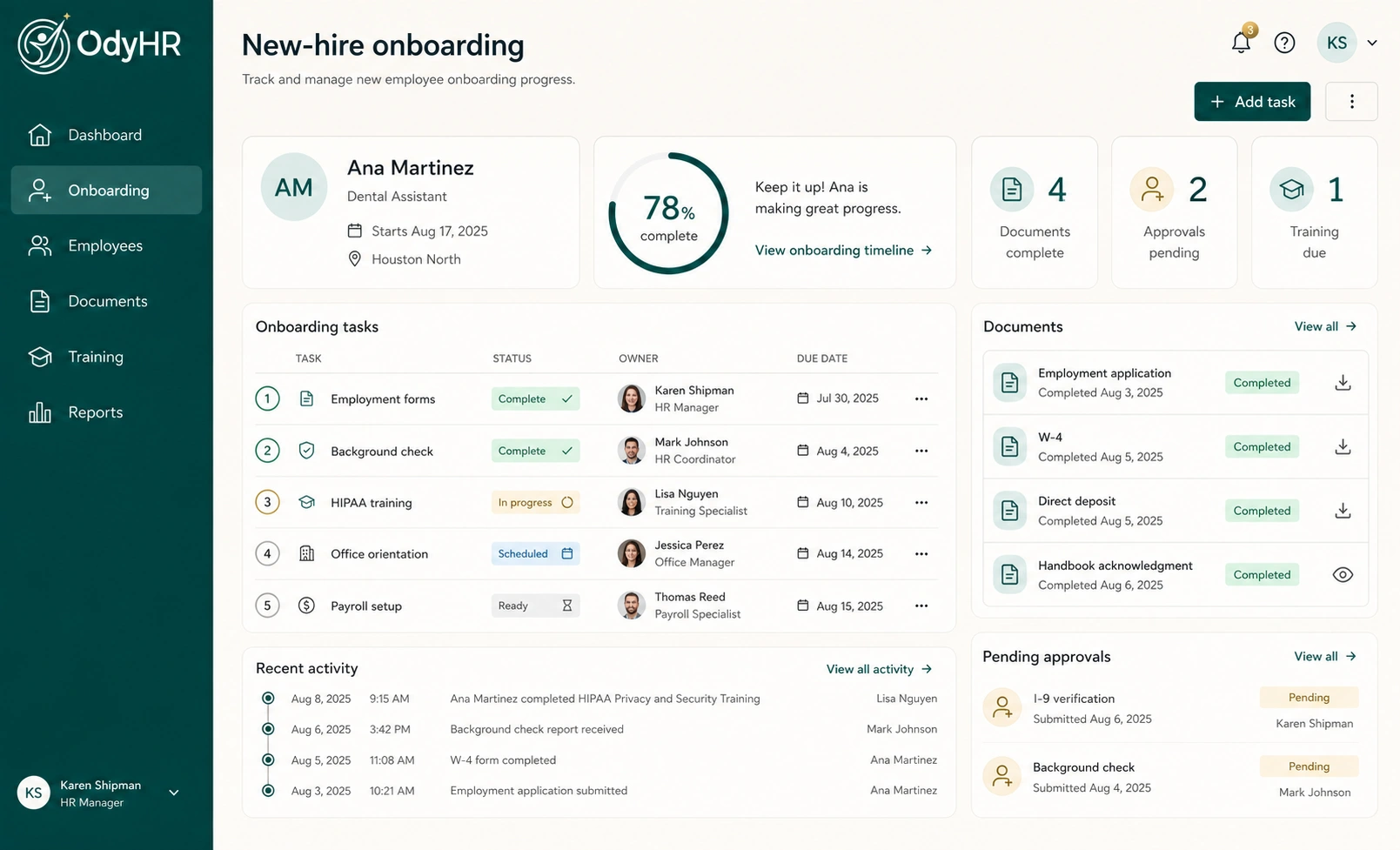
OdyHR keeps training assignments and completion with each employee’s record, alongside their onboarding tasks, documents and evaluations. Managers can review each person’s record alongside the training that still needs attention. It does not decide which training your business is legally required to provide, and it does not certify anyone as qualified. Those decisions stay with you.
QUESTIONS
Training record FAQ
What should an employee training record include?
At minimum: the employee, the training topic, the completion date, who delivered it, the result, and where the evidence is kept. Add hours and a next due date when training has to be repeated.
How long should I keep training records?
It depends on the training and the rule behind it. Some regulations set specific retention periods and many do not. Keep the history when a course is repeated instead of overwriting it, and check the specific standard or ask an adviser for anything regulated.
Is a training record the same as a training matrix?
No. A matrix is a plan: which roles or people need which training. A record is the history of what each person completed. Most teams use both. The training matrix template covers the planning side.
Does this work in Google Sheets or Apple Numbers?
Yes. The workbook uses standard functions (EDATE, COUNTIF, INDEX and MATCH) and opens in Excel, Google Sheets and Numbers. We tested the calculations in Numbers.
Does completing training prove someone is competent?
Not by itself. Attending a session, passing a test and doing the work correctly are different things. Record the one that actually happened, and keep any separate skills check as its own entry.
AUTHORITATIVE REFERENCES