Training records
Connect assignments, completion status, and due dates to the employee responsible for the work.
 Request pricing
 ODYHR PRODUCT
EXPLORE EACH WORKFLOW
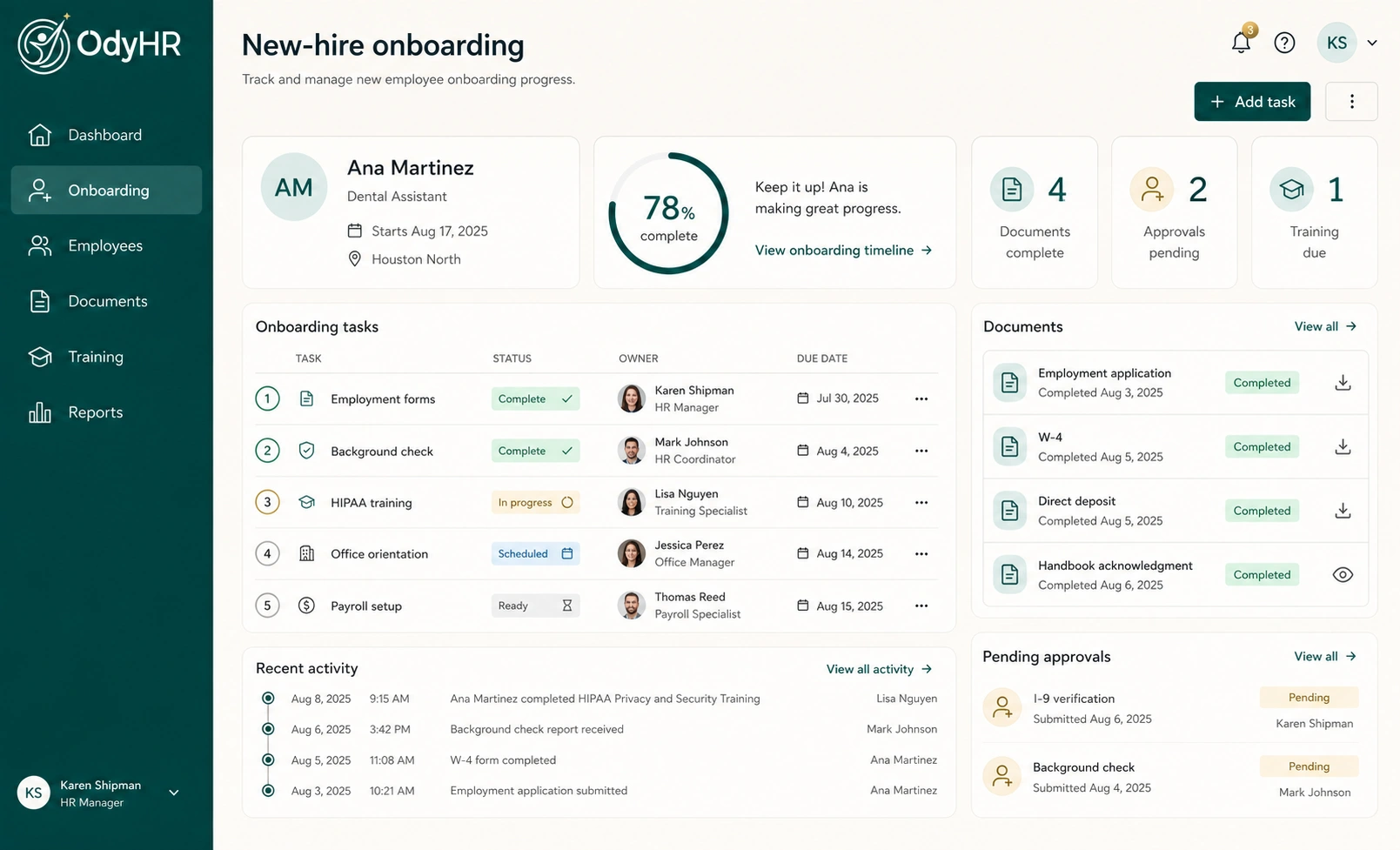
Connect the tasks, documents, and follow-up around a new hire.
Keep documents and their status connected to the employee record.
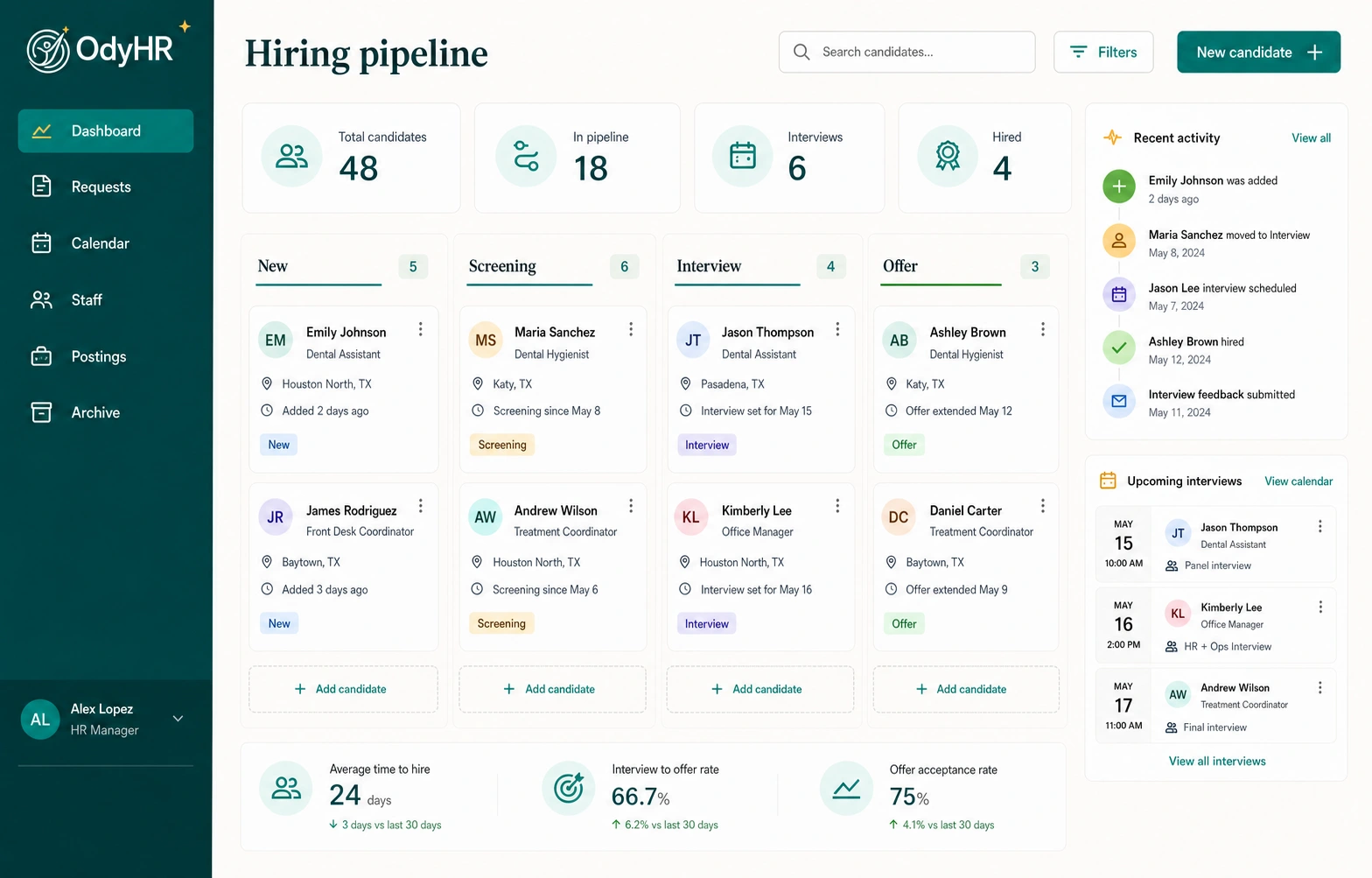
Bring applications from your careers page into the hiring workflow.
Connect expectations, feedback, and review history.
01 / COMPANY-SITE RECRUITING + HIRING
02 / ONBOARDING + ACCESS
03 / EMPLOYEE PROFILE + WORK HISTORY
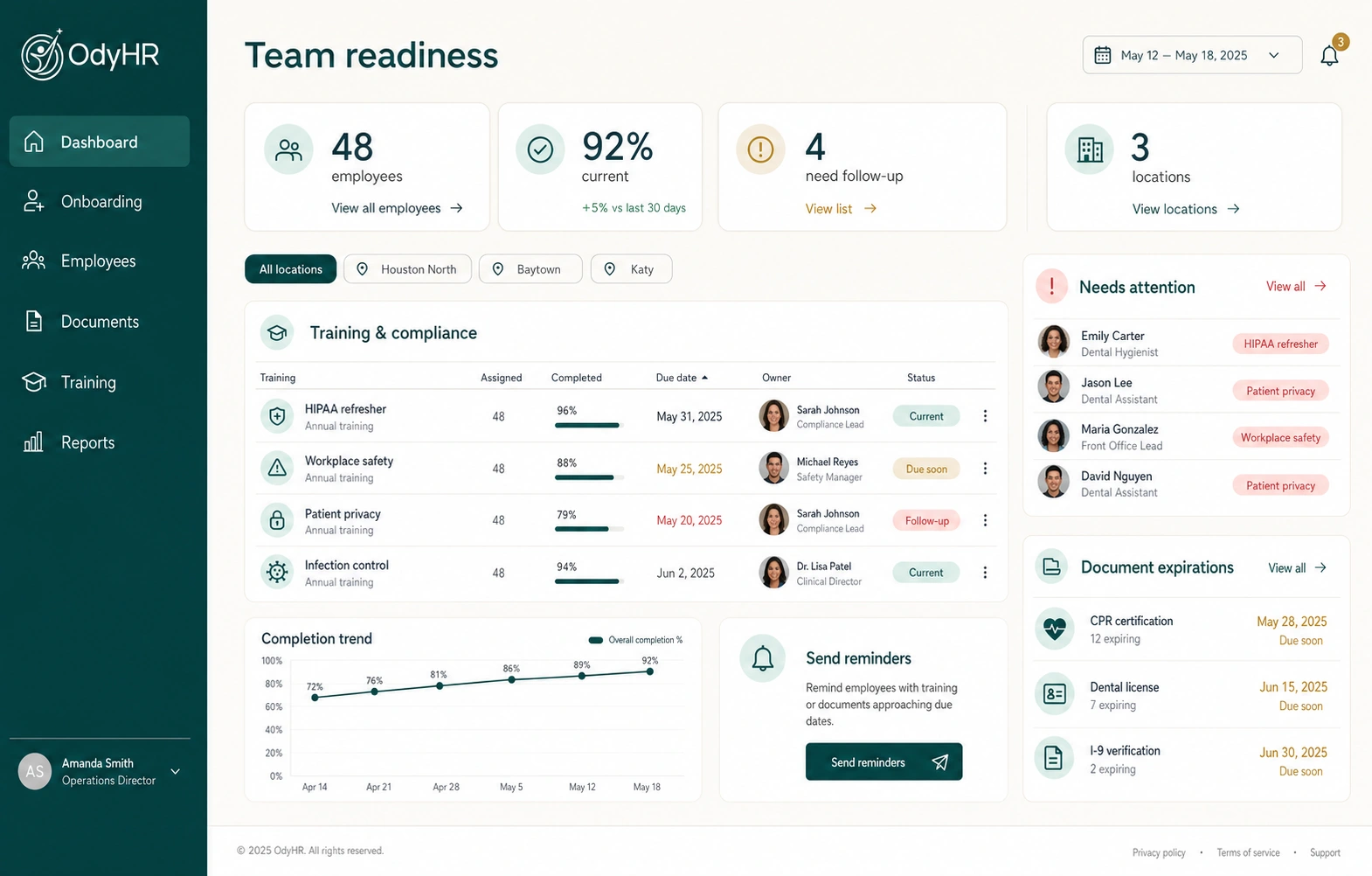
04 / TRAINING + PERFORMANCE EVALUATIONS
Connect assignments, completion status, and due dates to the employee responsible for the work.
Document clear expectations and retain them with the employee's complete work history.
Keep manager feedback, review history, and performance follow-up organized in one place.
Record management review and keep the next action visible.
05 / ROLES + LOCATIONS
Organize work around the offices, sites, or locations that make up your operation.
Keep ownership and next steps clear across managers and teams.
Give managers a connected view of the work relevant to their operation.
06 / ACCESS, APPROVALS + OFFBOARDING
During onboarding and offboarding, assign account and resource-access tasks, equipment return, final documents, and approvals to clear owners. OdyHR records status and completion in the employee's work history.
TALK THROUGH YOUR WORKFLOW07 / TIMEKEEPING + PAYROLL INTEGRATION ROADMAP
Map approved employee status, role, location, and effective-date updates before information moves between systems.
Plan how timekeeping access, worker assignments, and account status should follow onboarding and offboarding decisions.
Confirm the provider, product version, required data, available integration method, security requirements, and responsible owners.
Validate authorization, data mapping, error handling, approvals, and audit history before enabling any production connection.
SEE THE FULL WORKSPACE