ONBOARDING GUIDE
Employee Information Form: Free New Hire Template (Word and PDF)
Collect a new hire's contact details, job details and emergency contacts on one form, and keep tax, bank and medical details where they belong.
FREE DOWNLOAD · NO SIGNUP
Employee information form
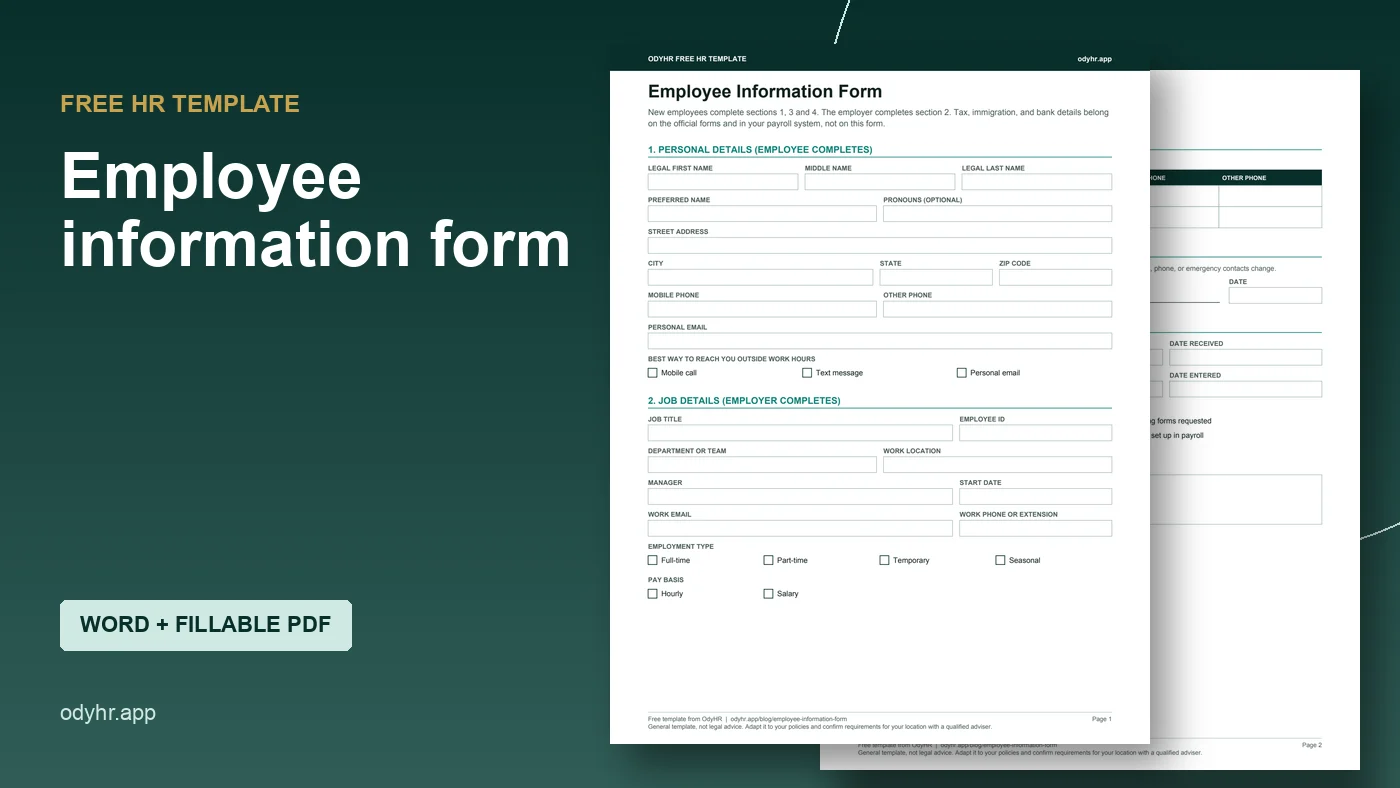
Two-page form for personal details, job details, emergency contacts and office use.
Important: This guide provides general operational information, not legal advice. Employment requirements vary by location, industry, workforce, and situation. Confirm current requirements with qualified HR or legal professionals.
WHAT YOU GET
The basics you need on day one, and nothing you should not hold
An employee information form collects a new hire’s contact details, job details and emergency contacts in one place. HR uses it to set the person up in payroll and HR systems, and managers use it when they need to reach someone or their family in an emergency.
The free form (Word and fillable PDF, two pages) has four parts:
- Personal details: legal and preferred name, address, phone, personal email, best way to reach them
- Job details (employer completes): title, ID, team, location, manager, start date, employment type, pay basis, work email
- Emergency contacts: two people, with relationship and phone numbers
- Confirmation and office use: employee signature, who entered the data, and a checklist of related onboarding items
On purpose, it does not ask for Social Security numbers, bank details, immigration documents or medical information. Those belong on the official forms and in your payroll system, where access is tighter.
PREVIEW
What the new hire fills in
Employee Information Form
1. Personal details (employee completes)
3. Emergency contacts (employee completes)
HOW TO USE IT
Send it before day one
- 01
Fill in section 2 first. Add the job title, start date, manager and employee ID before you send it, so the new hire can check them.
- 02
Send it with the rest of the packet. Use the fillable PDF by email or the Word version if you prefer. The new hire paperwork checklist helps you track what else goes out.
- 03
Collect tax and I-9 forms separately. Use the current IRS Form W-4 and USCIS Form I-9 and follow their instructions. Do not copy those numbers onto this form.
- 04
Enter it, then file it. Once the details are in your HR or payroll system, file the signed form in the employee record and note who entered it.
- 05
Ask for updates once a year. Addresses and emergency contacts go stale. A short yearly reminder keeps them current.
KEEP IT SAFE
Who should see this form
Home addresses, personal phone numbers and family contacts are personal information. Keep the form where only the people who need it can open it: HR, payroll, and the manager for emergency contacts. Do not leave copies in a shared drive folder that the whole office can browse.
The FTC’s guide to protecting personal information boils down to: know what you hold, keep only what you need, lock it, and dispose of it properly. Leaving sensitive numbers off this form is part of keeping only what you need.
The notes box reminds staff not to record medical details or protected characteristics here. If an employee shares medical information, it belongs in a separate confidential file.
SKIP THE RE-TYPING
Where OdyHR fits
The paper version works, but someone still has to type it into a system, and it is easy for an updated phone number to land in one place and not another.
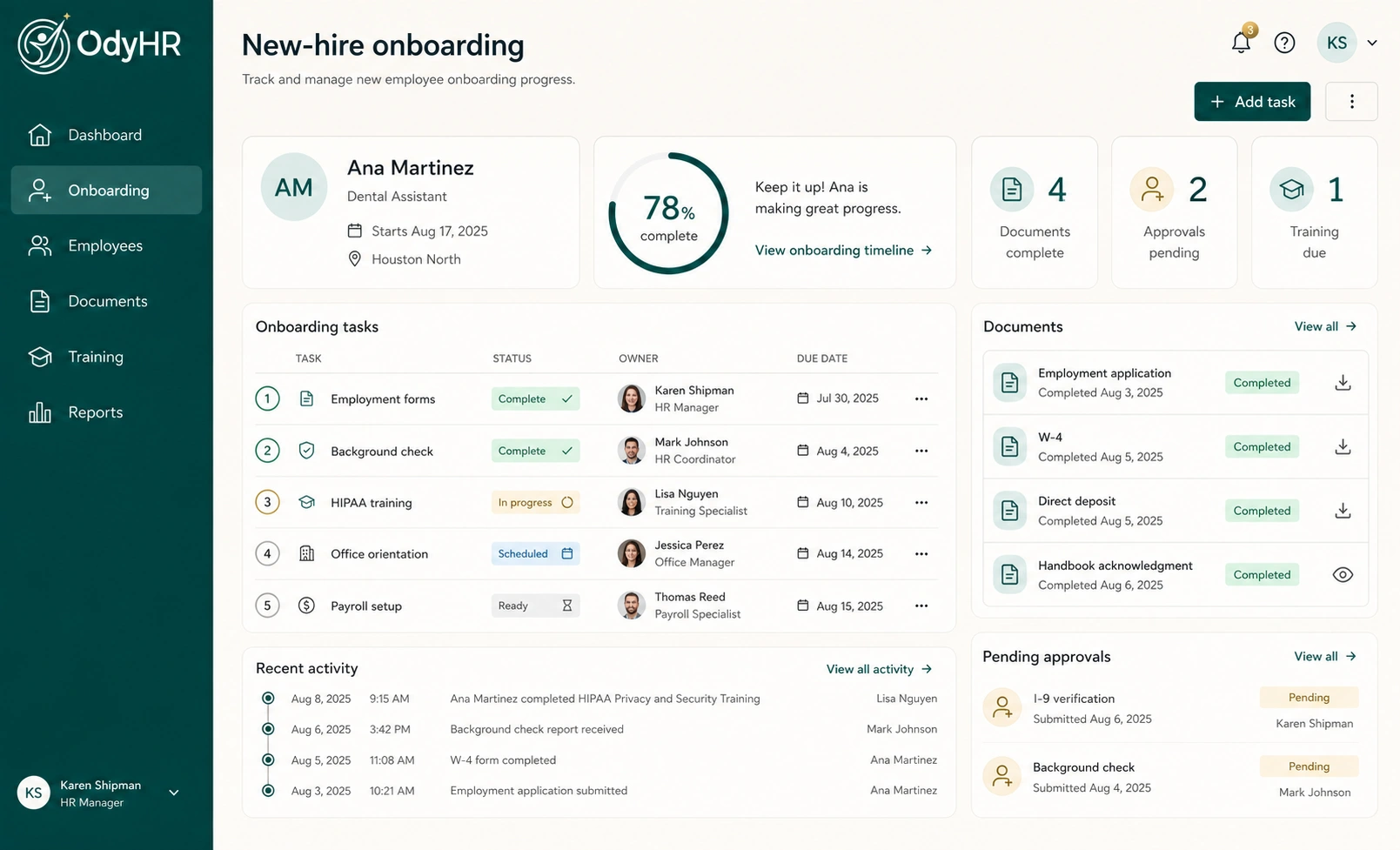
OdyHR’s onboarding workflow keeps a new hire’s employee details together with their onboarding tasks, documents and training, so the people preparing day one work from the same record. OdyHR is not a payroll system and does not replace the official tax or I-9 forms.
QUESTIONS
Employee information form FAQ
What information should an employer collect from a new employee?
Contact details, job details, and emergency contacts on a form like this one. Tax withholding goes on Form W-4, work authorization on Form I-9, and bank details in your payroll system. Your state may have its own new-hire forms.
Why doesn’t this form ask for a Social Security number?
Because you already collect it on the official forms and in payroll. Every extra copy of a Social Security number is one more thing to protect.
Is it OK to ask for date of birth?
Only if a specific process needs it, such as benefits enrollment, and only after the job offer. We left it off the general form.
Can I ask for pronouns?
The field is marked optional. Employees can leave it blank.
How often should employees update this information?
Whenever something changes, and at least once a year for emergency contacts. The confirmation section asks employees to tell HR when their details change.
AUTHORITATIVE REFERENCES