EMPLOYEE RECORDS GUIDE
Employee Document Management Tools: Compare the Workflow Before You Buy
Choose an employee-document tool by testing the work your team needs to complete: receiving, organizing, sharing, reviewing, and retrieving the right record.
Important: This guide provides general operational information, not legal advice. Employment requirements vary by location, industry, workforce, and situation. Confirm current requirements with qualified HR or legal professionals.
SCOPE AND DISCLOSURE
Choose the workflow you need to complete
An employee-document tool should help your team receive the right record, connect it to the right person, control who can use it, and find it again when work requires it. A place to upload files and a process for collecting, reviewing, and following up on them solve different parts of that job.
OdyHR publishes this guide and is one of the products discussed. We reviewed public vendor sources on September 23, 2026. This is a document-based comparison of selected capabilities, not a hands-on test or an independent ranking. Plan, region, and setup can affect availability; confirm your requirements with each vendor.
The examples below cover BambooHR, Gusto, OdyHR, and Rippling. They are a starting set for an HR-records evaluation, not a complete market list. Prices, implementation speed, customer outcomes, and legal effectiveness are not assessed here.
Before making a shortlist, use the employee-file organization guide to inventory what you hold and who uses it. If the immediate problem is an unclear filing process, choosing software will not settle the ownership decisions for you.
START WITH WHAT YOU HAVE
Does your current HR or payroll system already handle this?
List the tools your team already uses and the person who administers each one. Ask that owner to demonstrate the document workflow in your actual plan and configuration. A feature listed on a vendor’s website does not establish that it is enabled or included in your account.
- Test a small, complete job. Use the fictional-record test below to receive a sample file, leave one action open, follow up, and retrieve the finished record. Include the employee and reviewer steps.
- Name the gap precisely. Is a capability unavailable, an existing setting unused, or responsibility unclear? Record the evidence and ask the administrator to confirm before buying around the problem.
- Compare the additional work. If the current tool meets the requirements, document the process and use it consistently. If it does not, compare the unresolved need with the setup, migration, administration and cost of a proposed change.
Occasional hiring alone does not determine whether you need a new system. A maintained checklist may be enough for coordination while records stay in the approved system. Use our checklist-versus-software decision aid to assess the handoffs, then apply the same essential requirements to both your current setup and any replacement.
BUILD YOUR REQUIREMENTS
Compare the same six jobs
Choose two or three representative document types and mark each requirement as essential, useful, or unnecessary. Apply that list to every product, including your current system. The questions below are our suggested evaluation method, not claims that every product supports each item.
| Job | What to demonstrate | Evidence to keep |
|---|---|---|
| Receive and file | Upload or request a sample document and attach it to the correct fictional employee | Supported formats, limits, filing destination, and responsible owner |
| Request an action | Distinguish a file upload, receipt, acknowledgment, signature, and manager review | Which action was requested and what records completion |
| Find outstanding work | Locate an incomplete request and assign or perform the next follow-up | Visible status, owner, reminders or manual steps |
| Control access | Use an HR account, a manager account, and an employee account to inspect the same test record | Who can view, edit, download, share, or delete it |
| Retrieve and correct | Find the completed record, inspect its history, and demonstrate the correction process | Document version, completion record, and treatment of earlier copies |
| Move or close the record | Explain import, export, employee departure, retention, and account closure | Available formats, restrictions, ownership, and written provider terms |
Ask for a demonstration when a requirement matters to the decision. Treat “not demonstrated yet” as an open question, not as proof that the product lacks the capability.
WHAT THE SOURCES DESCRIBE
Four tools, with different details to verify
The capability column summarizes vendor-published material. The last column contains questions for your evaluation. Products are listed alphabetically; no score or overall winner is assigned.
| Tool | Documented capability | Ask to see before choosing |
|---|---|---|
| BambooHR | Product documentation describes saving signed documents to selected employee folders or subfolders. Its reporting page describes tracking signed and pending forms. Folder source; status source. | Demonstrate your folder structure, signature follow-up, employee/manager visibility, and the plan that includes your required workflow. |
| Gusto | The help center documents employee viewing, signing, uploading, and downloading, plus a separate admin workflow for custom PDFs and acknowledgment/signature requests. Employee source; admin source. | Distinguish ordinary document storage from custom-document features. Check plan eligibility, supported document types, and the exact completion/follow-up process. |
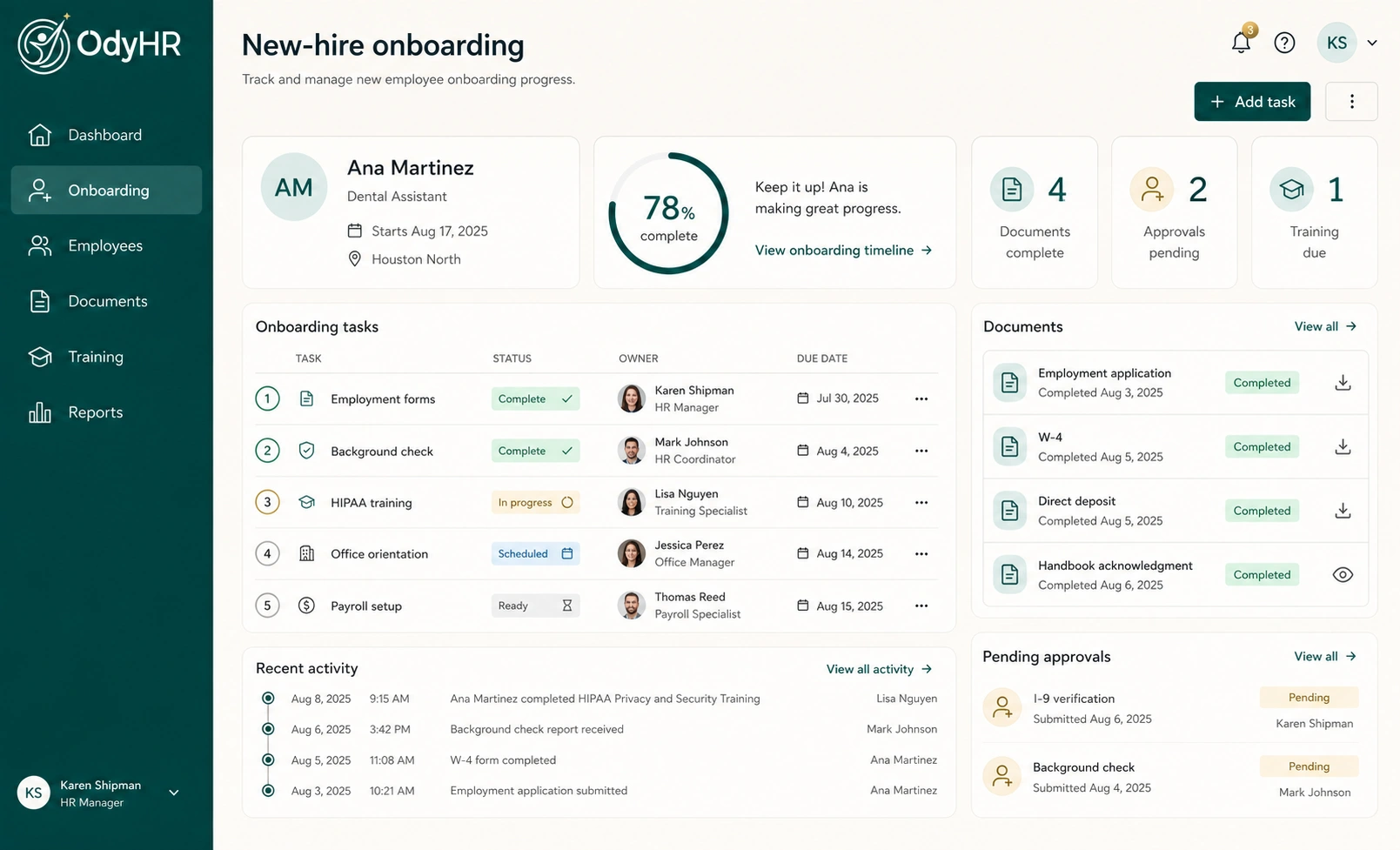
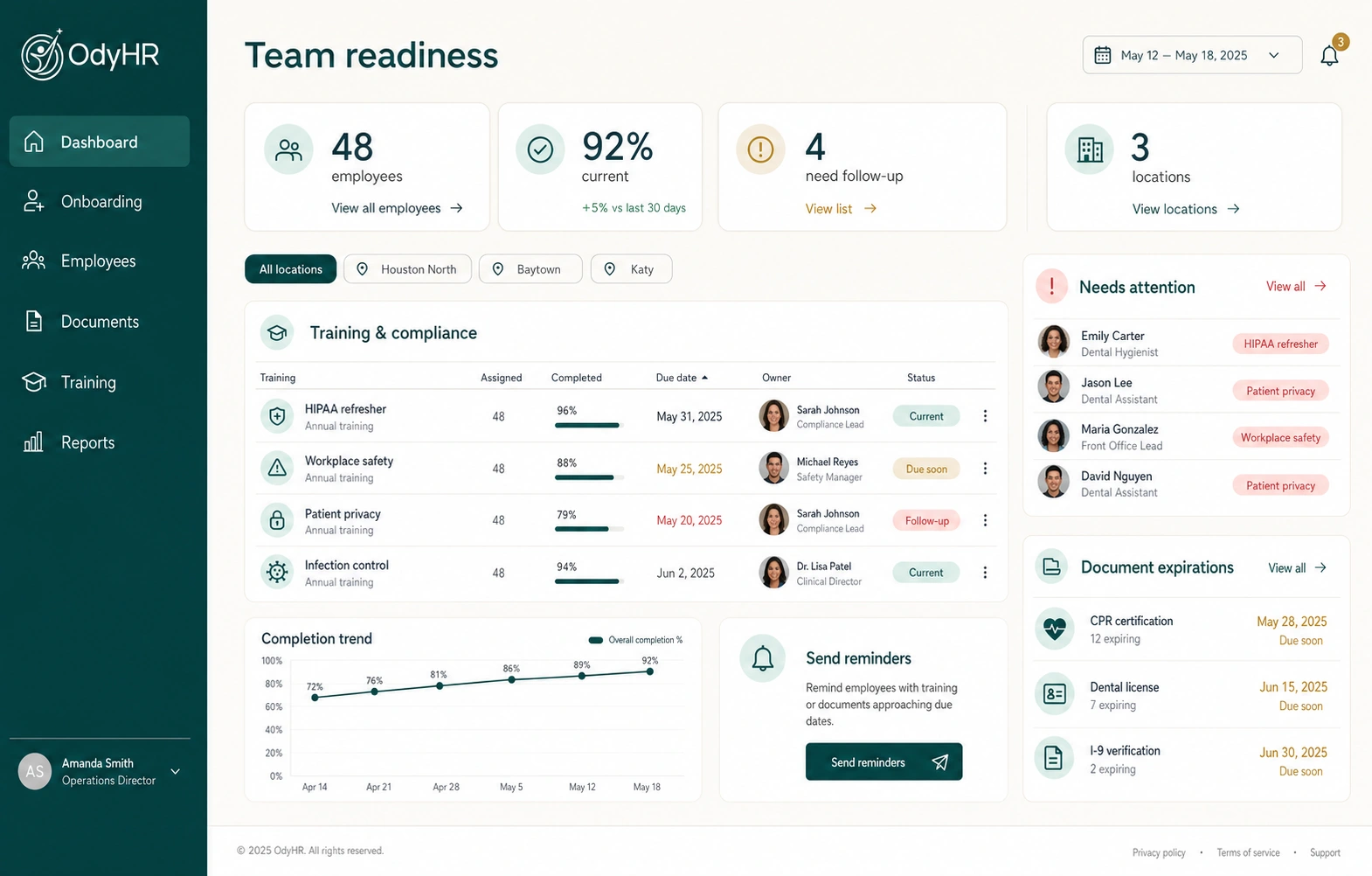
| OdyHR | The marketed workspace connects employee documents with profiles, onboarding, training, evaluations, approvals, and work history. Product scope. | Bring your file inventory and permission needs. Confirm the configured document workflow, retrieval/export requirements, signatures, and migration approach before committing. |
| Rippling | The HRIS page describes document storage, signature collection, and audit trails. Its evaluation material describes assigning documents by employee attributes such as role or location. HRIS source; assignment source. | Demonstrate the assignment rules with a role/location change, inspect completion evidence, and confirm the included modules and configuration effort. |
TURN THE COMPARISON INTO QUESTIONS
Test the details behind a feature name
BambooHR: follow the signed file into the record
BambooHR’s folder documentation explains choosing where a signed file is saved. Its reporting page describes visibility into pending and completed signatures. For your demonstration, use a sample document that needs follow-up, then find the completed copy from the employee record. Ask who can see the file and the status report; report visibility and document visibility should both be checked.
Gusto: separate storage from custom documents
Gusto’s admin documentation lists custom documents on Plus and Premium, describes recipient acknowledgment/signature status, and says recipients receive one notification email with further reminders handled directly. It also excludes I-9 and W-4 forms from that custom-document workflow. Confirm the appropriate onboarding or record-upload path for each of your document types instead of treating every file as the same workflow.
The employee help page separately describes employees finding, signing, and uploading documents. Try both the administrator and recipient experiences in the plan you are evaluating.
OdyHR: check the handoff and the configured scope
OdyHR’s focus in this comparison is the connection between documents and employee work: hiring, onboarding responsibilities, records, and manager follow-up. Its interactive demo uses fictional records and simulated actions. Use it to explore the journey, then ask the team to confirm the specific access, file handling, signature, and export requirements for your implementation. The demo alone does not verify those requirements.
Rippling: test the assignment rule and the evidence
Rippling’s published evaluation material describes role/location-based document assignment, while the HRIS page lists signature collection and audit trails. Ask what happens when a fictional employee changes roles after receiving a document. Check which rule applied, whether an earlier completion remains visible, and who can resolve an exception. Confirm the proposed configuration with the vendor.
AN ORIGINAL BUYER TEST
Run one fictional record through every candidate
Use a fictional employee, Jordan Ellis, and three harmless sample files: a role description, an orientation acknowledgment, and a completed training note. Add a visibly labeled “restricted test document” containing no personal information. Agree on the expected access with the vendor before running the test.
- 01
Create the context. Add Jordan’s role, location, manager, and the appropriate test-user accounts. Record which plan or configuration is being shown.
- 02
File one completed record. Upload the training note and find it again without using the original upload screen. Check how its date and owner are represented.
- 03
Request one action. Send the orientation document through the supported workflow. Ask the recipient to complete it, then inspect what the administrator sees.
- 04
Leave one item open. Show how the responsible person finds it and follows up. Separate a reminder being configured from a reminder actually being delivered in the test environment.
- 05
Inspect access and a change. Verify the test-role boundaries, then demonstrate how a corrected document or changed assignment is handled without confusing the earlier record.
- 06
Retrieve the result. Ask for the completed sample file and the available completion history. Record any export limitation or manual step rather than assuming it away.
These are suggested acceptance checks. We have not run this scenario inside the vendors’ private products. A vendor may need a configured trial or a follow-up session to demonstrate a requirement; keep it open until you have evidence.
BEFORE MOVING REAL RECORDS
Compare the work around the software
A broad feature set can still leave your team with import cleanup, access decisions, and a new administration process. A smaller implementation can still require specialist review. Evaluate those responsibilities directly instead of inferring effort from a product’s size.
- Migration: ask what can be imported, which metadata is preserved, who resolves duplicates, and how you verify the result.
- Administration: name the person who maintains templates, role changes, access, and outstanding requests.
- Scope: confirm the selected plan, modules, region, file formats, size limits, and any separately configured service in writing.
- Information handling: have the responsible owners review access, storage, retention, corrections, and disposal against your requirements.
- Exit: ask how you retrieve records and evidence if you change providers, including formats, deadlines, and any restrictions.
- Support: test where an employee or manager goes when a document will not open or a completion status appears wrong.
The practical tradeoff is the amount of work your team can manage well: collection, follow-up, administration, or a broader HR rollout. Do not buy additional scope solely because it appears in a feature table, and do not omit an essential requirement because it was difficult to demonstrate.
KEEP A DECISION RECORD
Choose with evidence and clear ownership
Keep one comparison sheet with the requirement, the demonstrated result, its source or demonstration date, the proposed plan, and any unresolved condition. That is more useful than an overall score that hides an essential gap.
| Requirement | Priority | Evidence | Open question / owner |
|---|---|---|---|
| Find a completed file from the employee record | Essential / useful / unnecessary | Observed result and demonstration date | Remaining retrieval question and reviewer |
| Show outstanding actions to the right person | Essential / useful / unnecessary | Plan, configuration, and tested workflow | Remaining follow-up question and owner |
| Move records into and out of the system | Essential / useful / unnecessary | Documented import/export scope | Migration or contract review owner |
For OdyHR, start with the employee-document management page and bring your inventory to a workflow and pricing conversation. Use the same acceptance questions with every provider. If an essential point remains unresolved, record the condition before making the purchasing decision.
AUTHORITATIVE REFERENCES
Sources used for this guide
- Saving signed documents to employee folders and subfoldersBambooHR product documentation ↗
- HR reporting and electronic-signature statusBambooHR ↗
- Upload and share custom documents with your teamGusto Help Center ↗
- View, sign, and upload documents for US employees or contractorsGusto Help Center ↗
- HRIS document managementRippling ↗
- HRIS evaluation questions and documented document-assignment capabilitiesRippling ↗
- Marketed employee-record and document scopeOdyHR ↗