HIRING GUIDE
How to Post Jobs on Your Company Website: A Practical Launch Checklist
Give each opening a clear home, make applying straightforward, and make sure every application reaches someone responsible for the next step.
Important: This guide provides general operational information, not legal advice. Employment requirements vary by location, industry, workforce, and situation. Confirm current requirements with qualified HR or legal professionals.
START WITH THE JOURNEY
How do you publish jobs on your company website?
Create a careers destination, give each opening a clear description and application path, assign a hiring owner, and test that a submitted application reaches the correct queue. Plan how the listing will be updated and closed before you publish it.
You can build job pages in your existing website, link to a hosted careers page, or use an embedded job list if your provider supports it. Choose the setup based on who will maintain listings and applications, not just which option looks easiest to add to the homepage.
| Approach | Useful when | Confirm before choosing |
|---|---|---|
| Pages in your website | Your team can maintain listings and an application system | Who edits openings, receives applications, and closes expired roles? |
| Link to a hosted careers page | A recruiting provider manages the listing and application workflow | Branding, mobile experience, URL, accessibility, and handoff back to your team |
| Embedded list or application | The provider offers an integration your site supports | Supported setup, loading behavior, privacy, and whether individual job pages are discoverable |
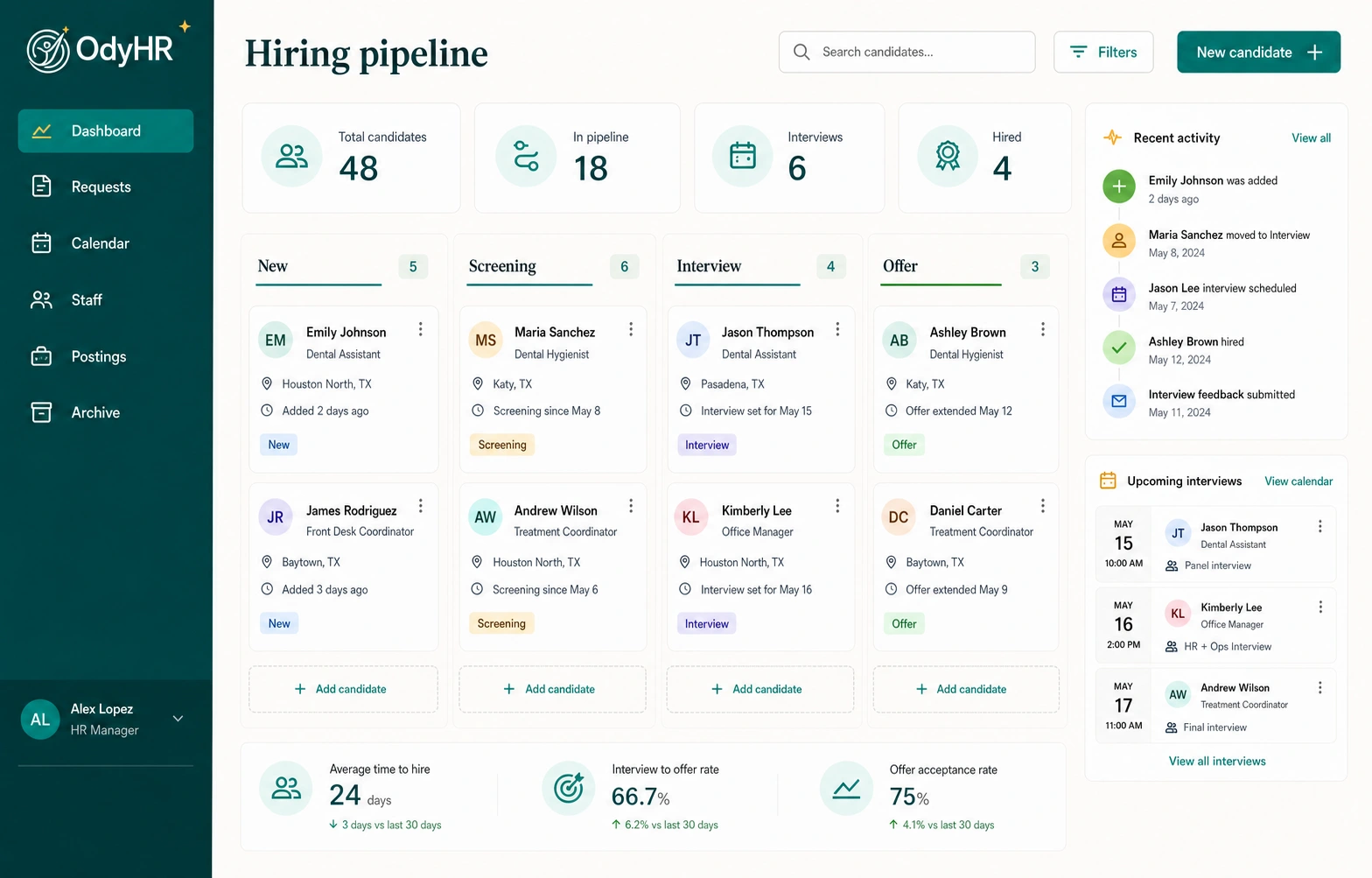
These are general publishing options, not a promise that every option is available in OdyHR. The company job-board page explains OdyHR’s company-site recruiting workflow; confirm the publishing setup for your website during an inquiry.
STEP 01
Write a listing that helps the right person decide
A job page should explain the work, the practical arrangement, and how to apply. Separate requirements that are essential to the role from skills someone can develop after joining.
- A recognizable job title and a short explanation of the role’s purpose
- The actual work location, remote arrangement if applicable, and relevant schedule expectations
- The main responsibilities, manager or team context, and useful examples of the work
- Job-related requirements, with required and preferred qualifications clearly separated
- Approved compensation and benefits information, including disclosures applicable to the role and location
- A clear application action, hiring contact or assistance route, and a real closing date when one exists
The EEOC’s employment-practices guidance addresses discriminatory job advertisements and recruiting. Have the appropriate reviewer check your wording and applicable posting requirements before launch.
“Operations coordinator — West location. Coordinate daily supply requests, maintain the delivery log, and escalate missing orders to the location manager.” This tells a candidate more about the job than “rock star wanted for a fast-paced team.” Add the actual approved working arrangements and requirements.
Give the listing an internal owner and version date so the hiring manager can review changes without searching email threads.
STEP 02
Make the next action obvious
The application link should lead to the correct opening and make clear which company is receiving the application. Explain what the candidate needs before starting, including any résumé file requirements, and show a useful confirmation afterward.
Keep initial questions focused on the approved recruiting process. Do not use a public job application to collect onboarding documents or payment information. Provide the applicable privacy information and have the recruiting owner approve what is collected and who can access it.
Candidate arrives
The careers list identifies the title, location, and whether the role is open. The candidate can reach the full description.
Candidate applies
The form labels its fields, explains required information, and reports errors in a way the person can act on.
The request is received
The candidate receives confirmation, and the application is visible to the responsible hiring owner.
Someone follows up
A reviewer owns the next decision and a backup person can cover absences.
W3C’s forms tutorial covers clear labels, instructions, validation, and notifications. Include keyboard and mobile use in your application test.
LAUNCH CHECKLIST
Test the whole path before real candidates use it
Use a test environment where available. Coordinate any production test with the hiring owner, label it clearly, and use fictional information. A button working on your laptop is only the first part of the check.
| Check | What a pass looks like | Owner |
|---|---|---|
| Careers navigation | Someone can find current roles from the main company website | Website owner |
| Listing consistency | Title, location, description, application destination and open status agree | Hiring manager |
| Mobile and keyboard use | Content is readable and the form is usable without a mouse | Website owner |
| Form errors | Missing fields or rejected files produce clear messages without losing unrelated entries | Application owner |
| Successful submission | One test application creates the expected record and a clear confirmation | Recruiting owner |
| Review and notification | The intended reviewer can open the application and its permitted attachments | Hiring owner |
| Closed role | A closed opening no longer invites new applications | Recruiting + website owner |
Record the date, device, result, and unresolved issue for each check. Repeat affected tests after changing a form, file-upload rule, website integration, or routing destination.
STEP 03
Help people find the opening
Link the careers page from navigation or the footer, use descriptive page titles, and make job details readable on the page. Keep a stable, shareable address for each current opening where your platform supports it.
If your publishing system supports Google’s JobPosting structured data, have the website owner validate it on individual job-detail pages. Google requires the data to match the visible job information and does not permit job markup on a page listing multiple openings. Eligibility does not guarantee appearance in Google’s job results.
A company careers page and external job-board distribution are separate jobs. To advertise through another board, confirm its posting process, terms, costs, and application destination. Do not assume a company-site listing automatically appears on Indeed, LinkedIn, or other services.
Measure careers visits, listing views, application starts, and applications actually received as distinct steps. Preserve the original source where your systems support it, and keep applicant names, emails, résumé contents, and other personal details out of general website analytics.
STEP 04
Close the listing and start the hiring handoff
When a role is filled or paused, update its public status and stop accepting applications as appropriate. Reconcile any copies on external boards. If you used JobPosting markup, follow Google’s expired-listing instructions: update the expiry, remove the markup, or remove the page as appropriate for the site.
The recruiting owner should also finish candidate communication and record handling according to the approved process. A filled opening should not leave applications sitting in a queue with no next owner.
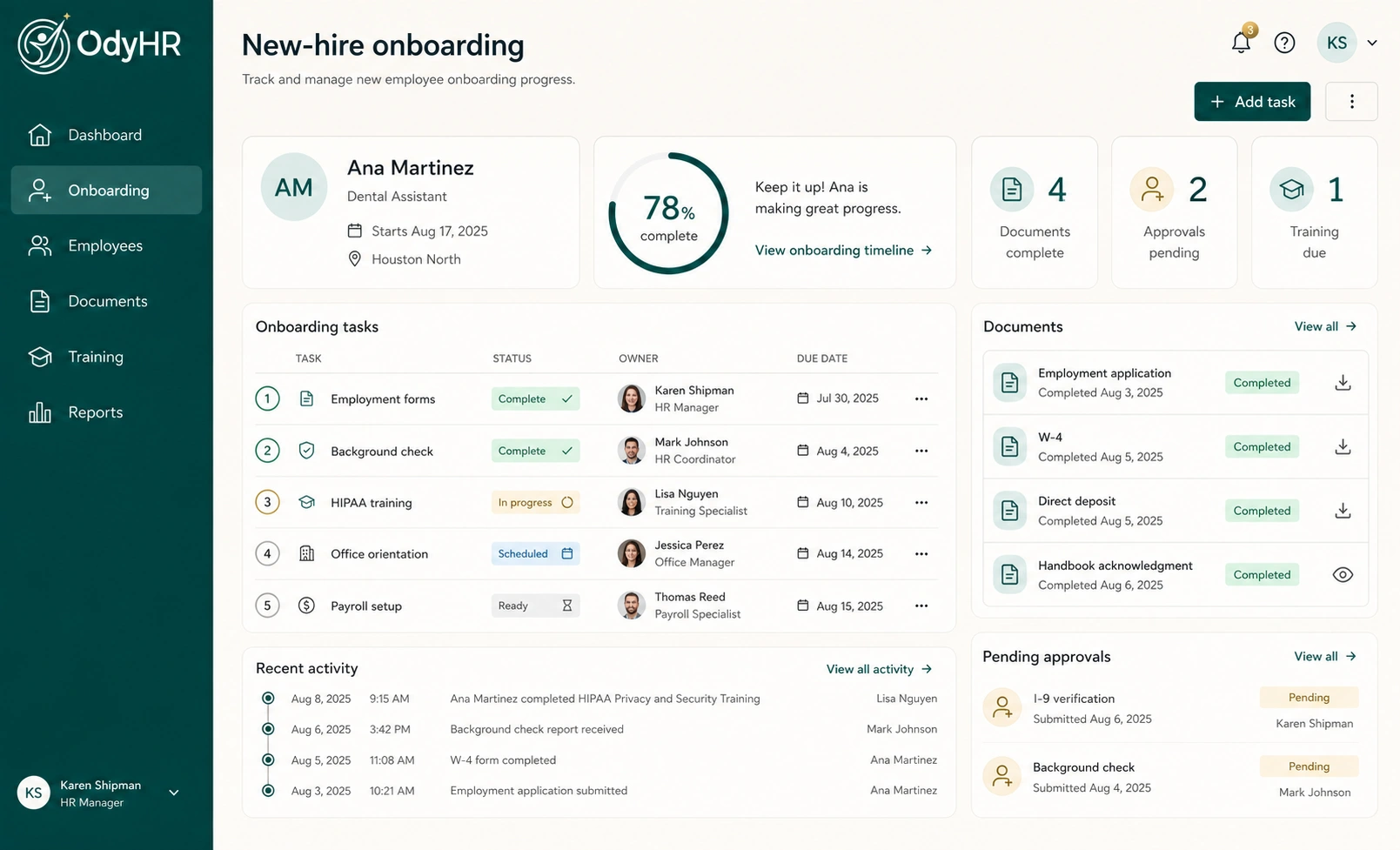
For the person hired, confirm the accepted offer, role, location, manager, and start date, then assign the new-hire packet and onboarding checklist. Keep hiring decisions and onboarding completion as separate stages so neither disappears in the handoff.
Explore the OdyHR interactive demo to see a sample recruiting journey. To discuss your website and hiring process, request a workflow conversation.
AUTHORITATIVE REFERENCES