HR OPERATIONS GUIDE
Payroll Direct-Deposit Changes: A Workplace Compliance Checklist
Give HR and payroll staff approved steps for verifying direct-deposit changes, escalating uncertain requests and recording completion without exposing bank details.

Important: This guide provides general operational information, not legal advice. Employment requirements vary by location, industry, workforce, and situation. Confirm current requirements with qualified HR or legal professionals.
An email appears to come from an employee who wants their next paycheck sent to a different bank account. It includes a completed form and says the change is urgent. The payroll deadline is close, and the person who normally checks these requests is away.
The staff member receiving it needs an approved procedure they can follow under that pressure. In this article, workplace compliance means following that agreed procedure, including its verification and escalation steps. Your payroll and HR owners must separately determine the legal and provider requirements that apply.
The FBI's direct-deposit scam guidance describes criminals impersonating employees and returning apparently completed paperwork. A familiar name and a signed form are therefore poor reasons to skip verification.
Define the authorized route
Write down where an employee begins a legitimate change, who checks the request, and who is authorized to make the payroll update. Include the backup owner and the route for a request that cannot be resolved before a processing deadline.
If your organization uses a payroll provider's self-service process, confirm that process and its controls with the provider and your administrator. If HR receives the initial inquiry, tell staff how to direct the employee to the approved route without collecting unnecessary bank information in email.
Avoid vague instructions such as “ask someone in payroll.” Name the responsible role and the current internal contact route. Test whether the backup person can find the procedure without relying on the absent colleague's inbox.
Verify through an independently trusted channel
The FBI's business-email-compromise guidance recommends verifying changed account numbers or payment procedures with the person making the request. It also warns about pressure to act quickly.
Have the payroll owner define the approved verification method. If that method includes a callback, use the established contact information from your approved records rather than a new number supplied in the change request. Replying in the same email thread leaves the original uncertainty unresolved.
Be cautious when a request combines changes to contact information and deposit information. Give staff a specific escalation route for that situation rather than letting them treat the newly supplied contact as independent confirmation. Do not ask employees for passwords or one-time security codes as a substitute for an approved identity-checking process.
Keep approval separate from a request arriving
Use clear statuses in the existing authorized process: received, awaiting verification, approved for processing, and confirmed by the payroll owner, for example. These are suggested workflow labels, not claims about fields in a particular product.
Agree what the receiving staff member can communicate at each stage. “Your request has been received for review” is different from telling someone that their next payment will reach the new account. The payroll owner should confirm effective timing under the actual provider workflow.
An unresolved request needs an assigned person and a next step. It should not disappear into a shared inbox, and uncertainty should not become permission to make the change. Escalate timing questions through the approved process without inventing a hold on wages or promising a payment date.
Practice the difficult version of the request
Use a fictional scenario during a staff review. The request arrives shortly before the deadline, the usual approver is unavailable, and the sender offers a new phone number for a quick callback.
Ask the learner to locate the verification procedure, identify the backup owner and explain the next action. The useful result is seeing whether the person can follow the approved route when the easy path is unavailable.
A custom workplace compliance video can demonstrate that sequence using invented names and nonfunctional sample information. Have HR, payroll and IT approve the staff steps before recording. Keep actual account numbers, identification documents, credentials and employee messages out of the example.
Include the question: “What would you record so the next authorized person knows what is still pending?” A short, factual answer can be enough without reproducing financial details in the training record.
Keep learning records separate from payroll evidence
For the learning activity, record the assigned procedure version, completion and any follow-up the reviewer identified. Use the employee training matrix to plan the relevant roles and review responsibilities.
Store actual change requests and verification evidence only in the organization's approved payroll-record location with the required access controls. A completion tracker should not become a parallel store of bank information.
If a suspected fraudulent change has already been processed, escalate immediately to the designated payroll and security contacts. The FBI advises victims of business email compromise to contact their financial institution promptly and report to its Internet Crime Complaint Center. Follow the organization's response process; a reporting step cannot promise recovery.
Review the workflow before the next exception
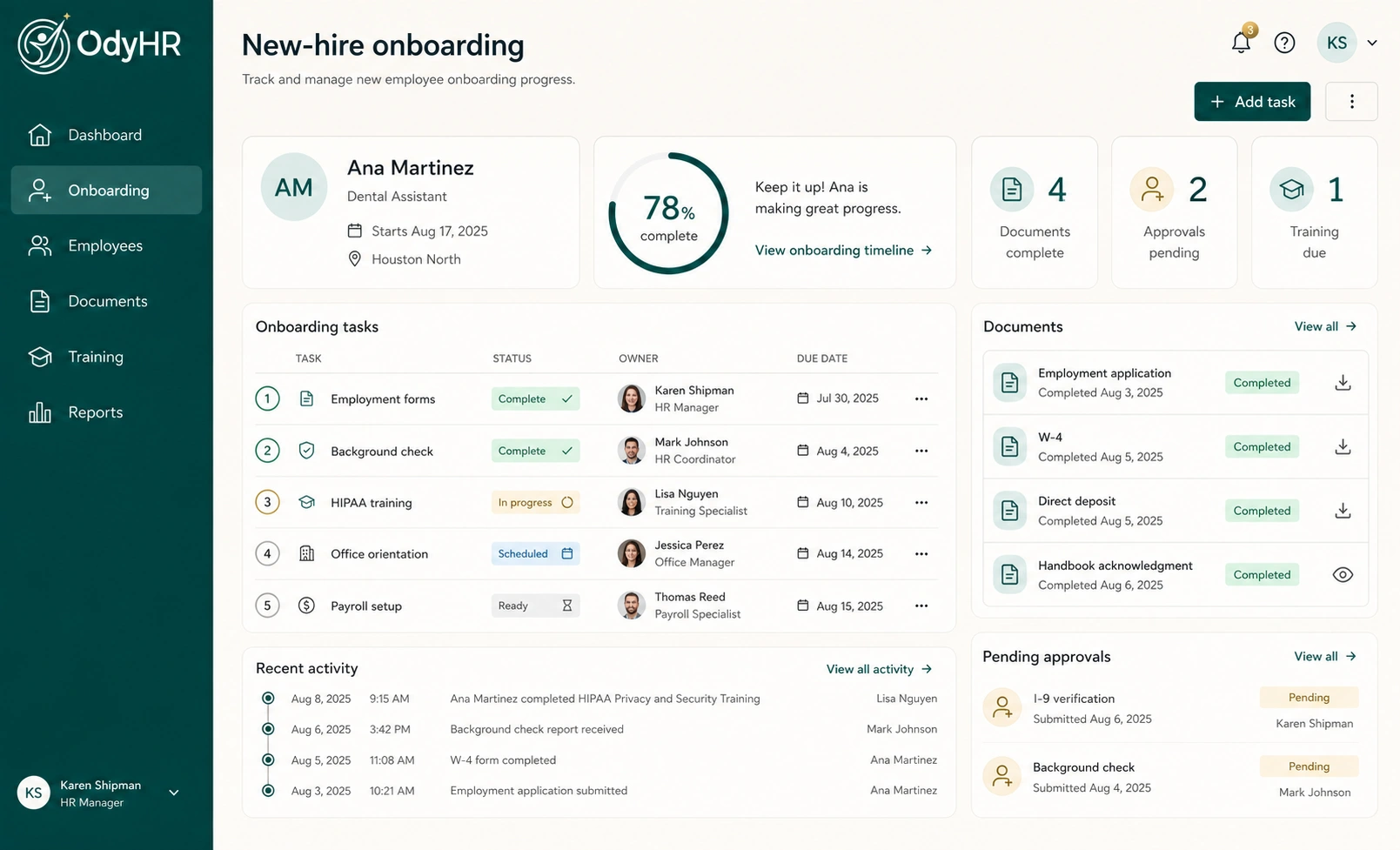
OdyHR's product overview describes employee training assignments, completion status, due dates and follow-up. Those records can support the staff-learning side of your process; confirm the intended setup with the team.
Ask OdyHR about custom workplace compliance videos built around your approved payroll-request steps and completion tracking. Bring a fictional request and the roles involved so the proposed work can focus on the decisions your staff actually need to make.
AUTHORITATIVE REFERENCES