WORKPLACE SAFETY GUIDE
Near Miss Reporting Procedures for Manufacturing Teams
Make near-miss reporting easier to follow with a clear contact, realistic practice, manager follow-up and useful records of the procedure employees learned.

Important: This guide provides general operational information, not legal advice. Employment requirements vary by location, industry, workforce, and situation. Confirm current requirements with qualified HR or legal professionals.
A container falls beside a work area, and nobody is injured. One employee tells the next shift. Another assumes the supervisor already knows. By the following morning, the team has several versions of what happened and no clear record of who is reviewing it.
This fictional example shows a useful starting point for a near-miss reporting procedure: make the first action clear enough that employees can explain it before an incident occurs.
OSHA's incident-investigation guidance describes close calls as events in which someone might have been hurt under slightly different circumstances. It encourages employers to investigate them and address underlying causes. The process below is an editorial planning checklist, informed by OSHA guidance. Have your safety lead adapt it to the site and assess any separate emergency, reporting or recordkeeping duties.
Define the reporting route before making the video
Before recording a lesson, settle who receives a report on each shift, what employees should do if that person is unavailable, and where the approved procedure can be found.
Write those decisions in ordinary language. “Tell the shift supervisor using the posted contact route” gives employees a starting point only if that route is accessible and someone is responsible for responding. A procedure also needs a backup for a missing supervisor or unavailable reporting system.
Keep urgent danger separate from routine documentation. Employees should follow the site's emergency and safety instructions immediately. Completing a form must not delay an urgent response. The safety lead should approve this part of the lesson and explain the limits of each employee's role.
Use a realistic example without recreating the hazard
Choose a familiar, fictional situation and describe it with a still image, a diagram or narration. Avoid staging a falling object, machine malfunction or other dangerous event for the camera.
The lesson can ask: What did the employee observe? Who receives the concern? Which details help the receiving person understand the location and situation? What should the employee avoid attempting without authorization?
For a sample report, use factual language: “At the west packing area, an empty container fell beside the workstation during the afternoon shift.” Add only details the fictional witness actually observed. Do not teach employees to guess at a root cause or make a personal accusation in order to submit a concern.
Demonstrate the actual first step
If the approved process uses a digital form, show a fictional submission and the confirmation the employee should expect. If the process starts with a conversation, have the employee practice explaining the concern to the designated recipient.
OSHA's education and training recommendations address reporting procedures, understandable language and literacy levels, opportunities for questions, and sufficient computer access when reporting is digital.
Use that as a prompt to test the practical details. Can someone on the late shift find the contact? Can an employee without a work computer use the approved alternative? Are the terms in the video the same ones used on the floor? Resolve these questions before assigning the lesson to everyone.
Prepare the receiving manager too
The supervisor needs a response procedure as well as the employee. Agree how the report is acknowledged, who receives the next handoff and how unresolved concerns are escalated.
OSHA's worker-participation recommendations emphasize encouraging reports, responding promptly and removing barriers to participation. They also address avoiding retaliation and providing feedback about action taken.
Have managers practice receiving the fictional report without dismissing it because nobody was hurt. Ask them to explain the next step in the site's process. A useful response identifies the owner of the review and tells the employee how to raise another concern.
The safety team should guide the investigation. OSHA recommends looking beyond an immediate mistake to underlying factors, which can include equipment, procedures, training and production pressures. Reassigning a video should not become the automatic response to every finding.
Record the learning activity accurately
A brief video can introduce the reporting route. Follow it with a question or practice activity that fits the site's approved process. For example: “Show where you would find the reporting contact, and explain what you would do if that person were unavailable.”
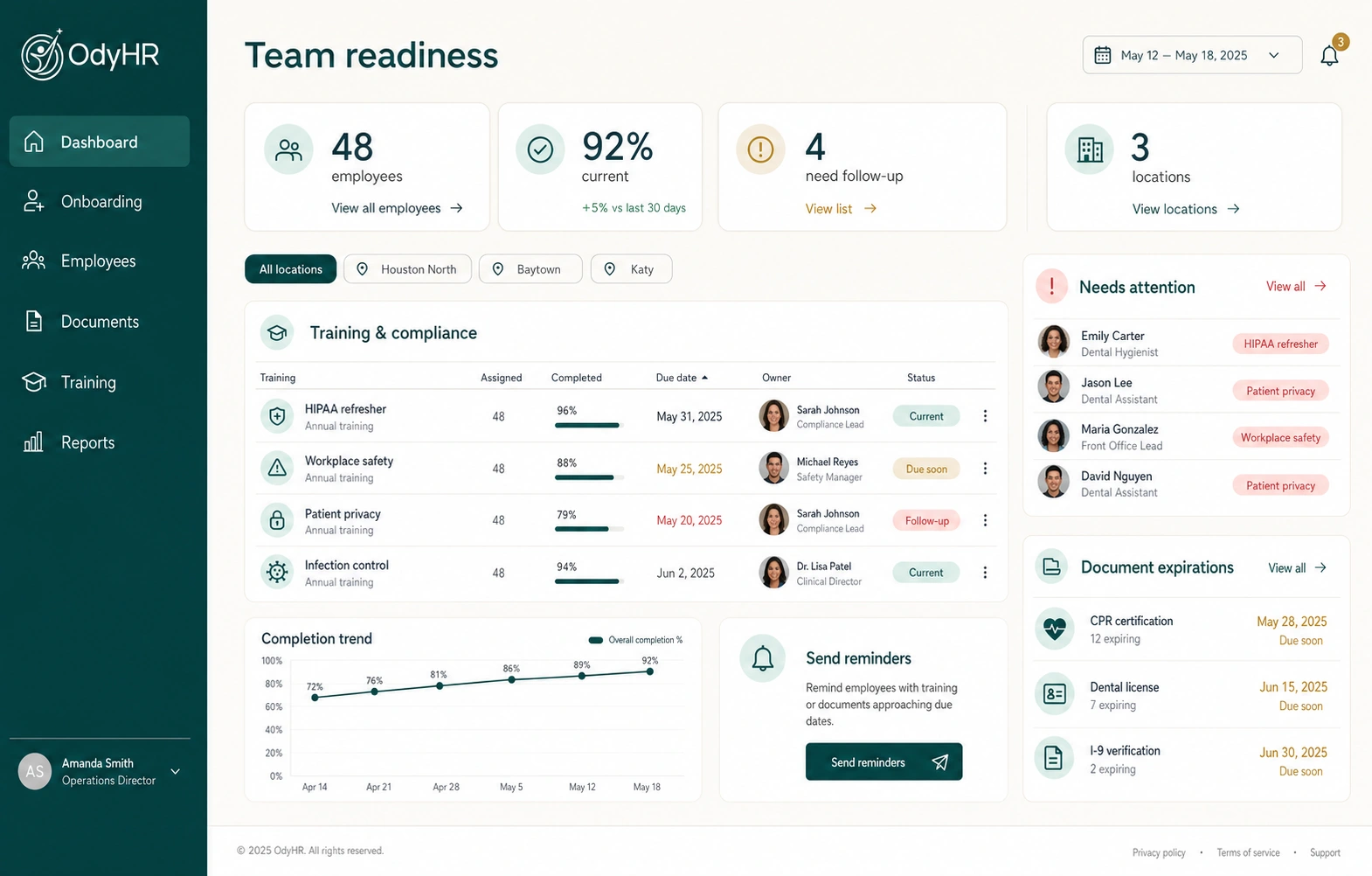
Use the employee training matrix to identify the relevant employees, procedure version, learning owner and follow-up. A record might state that the employee viewed the lesson and correctly explained the escalation route during a supervisor check.
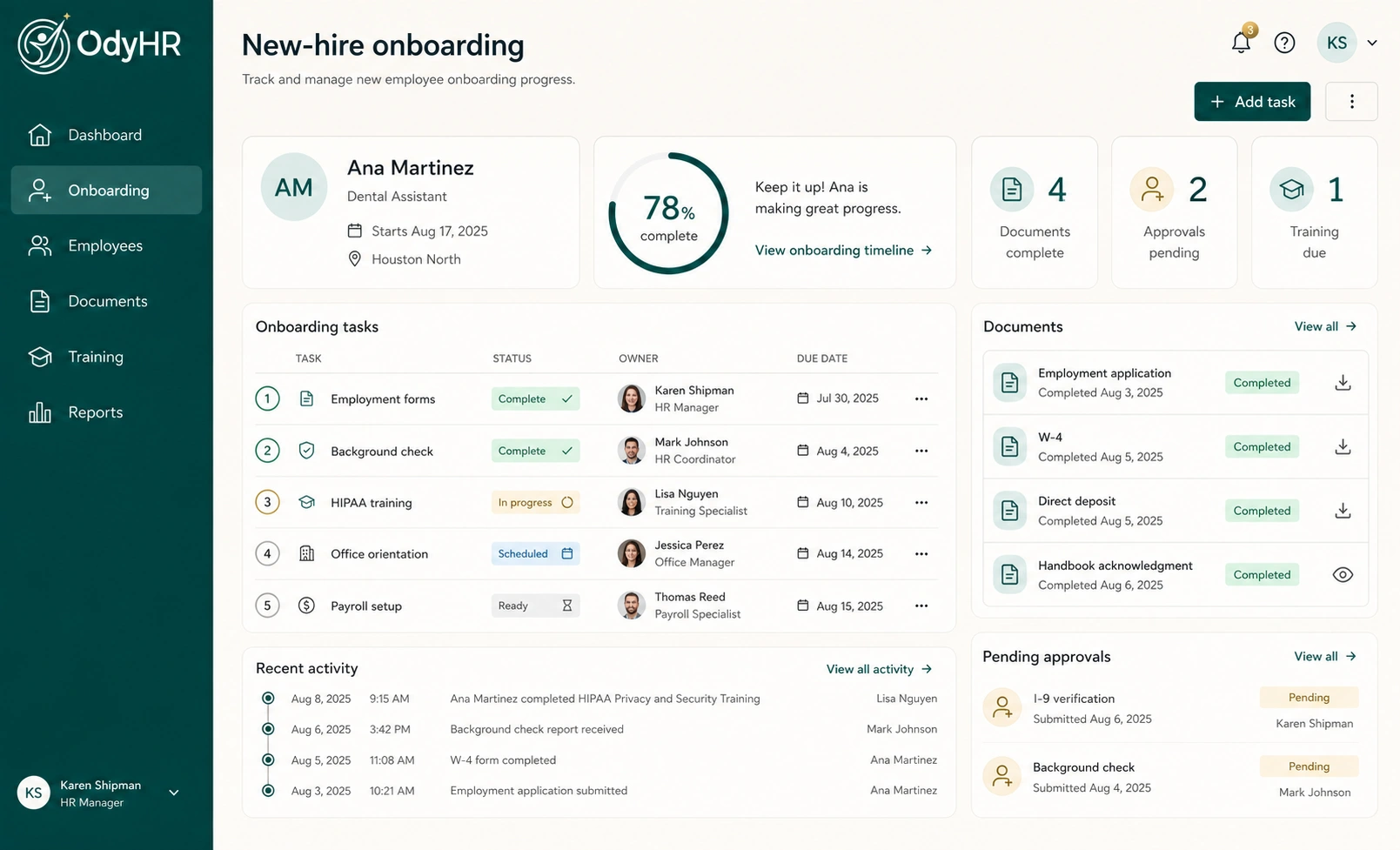
Keep incident details in the organization's approved incident-management location. A widely shared training tracker only needs the learning record; it should not become a second copy of witness accounts or personal information. OdyHR's employee-document workflow provides context for discussing how employee records and follow-up are organized.
Check whether the procedure works on every shift
After introducing the lesson, ask employees whether the route is usable and ask supervisors what questions they receive. Review unanswered reports, inaccessible forms and unclear handoffs. An increase in reports needs context; the count alone cannot establish whether conditions improved or worsened.
Update the lesson when the contact, reporting method or approved response changes. Preserve the prior learning history and decide who needs the revised instruction.
To discuss organizing your approved workplace procedure, video assignments and completion records, contact OdyHR. Bring a fictional example of the reporting lesson and its ownership needs, without real incident or employee details.
AUTHORITATIVE REFERENCES