HR OPERATIONS GUIDE
Employee Portal Sign In Safety Starts With a Trusted Link
Give employees a verified route to their workplace portals, a clear way to check unexpected messages and a simple procedure for getting help.

Important: This guide provides general operational information, not legal advice. Employment requirements vary by location, industry, workforce, and situation. Confirm current requirements with qualified HR or legal professionals.
An employee needs a pay statement but cannot remember the portal address. A search result looks familiar, so they open it and sign in. For HR teams, that moment deserves a clear procedure: employees should know where their approved portal links live and who can help when a page looks different.
The FBI's April 24, 2025 employee self-service warning describes criminals using search advertisements and imitation websites to capture credentials and redirect payments. This is an established risk, rather than a new October 2026 announcement. It gives employers a practical reason to review the sign-in instructions they provide during onboarding and portal changes.
Give employees one maintained starting point
Ask the owner of each workplace portal to verify its sign-in address and approved access method. HR can then maintain a short reference page in a location employees already use and know how to reach.
For each portal, include its purpose, verified link, responsible team and help route. Describe the account the employee should use without recording passwords, recovery codes or other authentication secrets.
The FBI recommends using a verified address or saved bookmark rather than navigating to a login through search results or advertisements. Teach employees how to reach the organization's maintained reference and save the approved destination where company policy permits.
Assign someone to review the reference when the portal provider or access process changes. A bookmark is only useful if the original destination was verified and the employer keeps its instructions current.
Show the route with a fictional example
A short procedure video can demonstrate opening the approved reference, choosing the relevant portal and finding the help contact. Use an approved demonstration account or fictional screens. Keep real employee pay, benefits and personal information out of the recording.
Explain what employees should expect at each step without promising that a screen will always look identical. Providers can change a layout or introduce an additional sign-in step. The important question is whether employees know how to verify an unexpected change through a trusted route.
End with a simple practice prompt: “Where would you start if you needed this portal tomorrow?” Have the learner show the starting point without entering credentials in front of the group. Follow with: “Who would you contact if the page asked for something you did not expect?”
Make urgent messages easy to check
An email might claim that a document is ready, an account will close or information needs immediate confirmation. Give employees permission and a practical route to pause before acting.
The FTC's phishing guidance advises contacting a company through a number or website already known to be genuine when a message looks suspicious. Apply that idea to the workplace procedure: use the maintained portal reference or the independently verified support contact, rather than relying on contact details inside the unexpected message.
Prepare a fictional exercise in which an employee receives an urgent sign-in request. Ask them to explain their next action. The exercise should test the approved verification route, without sending deceptive messages to staff or collecting passwords.
Teach this as a normal part of careful work. A new employee should not have to decide whether questioning an unexpected request will upset a manager.
Include authentication questions in the help process
Have IT or the portal owner confirm which authentication methods employees should use and how enrollment and recovery are handled. Record the help route alongside the portal instructions.
The FBI warning also describes attempts to obtain one-time codes through social engineering. An unexpected caller's claim to be technical support does not establish their identity. Teach employees to verify the request using the organization's approved contact route before responding.
Do not ask employees to paste passwords or one-time codes into an HR task comment to prove that setup worked. A learning record can show that the employee located the approved instructions and knows where to obtain help. Authentication secrets belong outside that record.
Explain what to do after a mistake
The procedure should cover uncertainty after a click as well as caution before one. Tell employees how to reach the appropriate support team promptly, including when the normal portal is unavailable.
Agree in advance what basic details support needs, such as the time, the message and the page involved. Avoid asking for secret values. Have the responsible team decide how the employee should provide a suspicious message or screenshot safely.
If money or an account may be affected, escalate promptly through the approved incident process. The response owner can coordinate with the relevant provider and decide which recovery and reporting steps apply. Avoid promising that a report will recover funds.
Keep the assignment small and specific
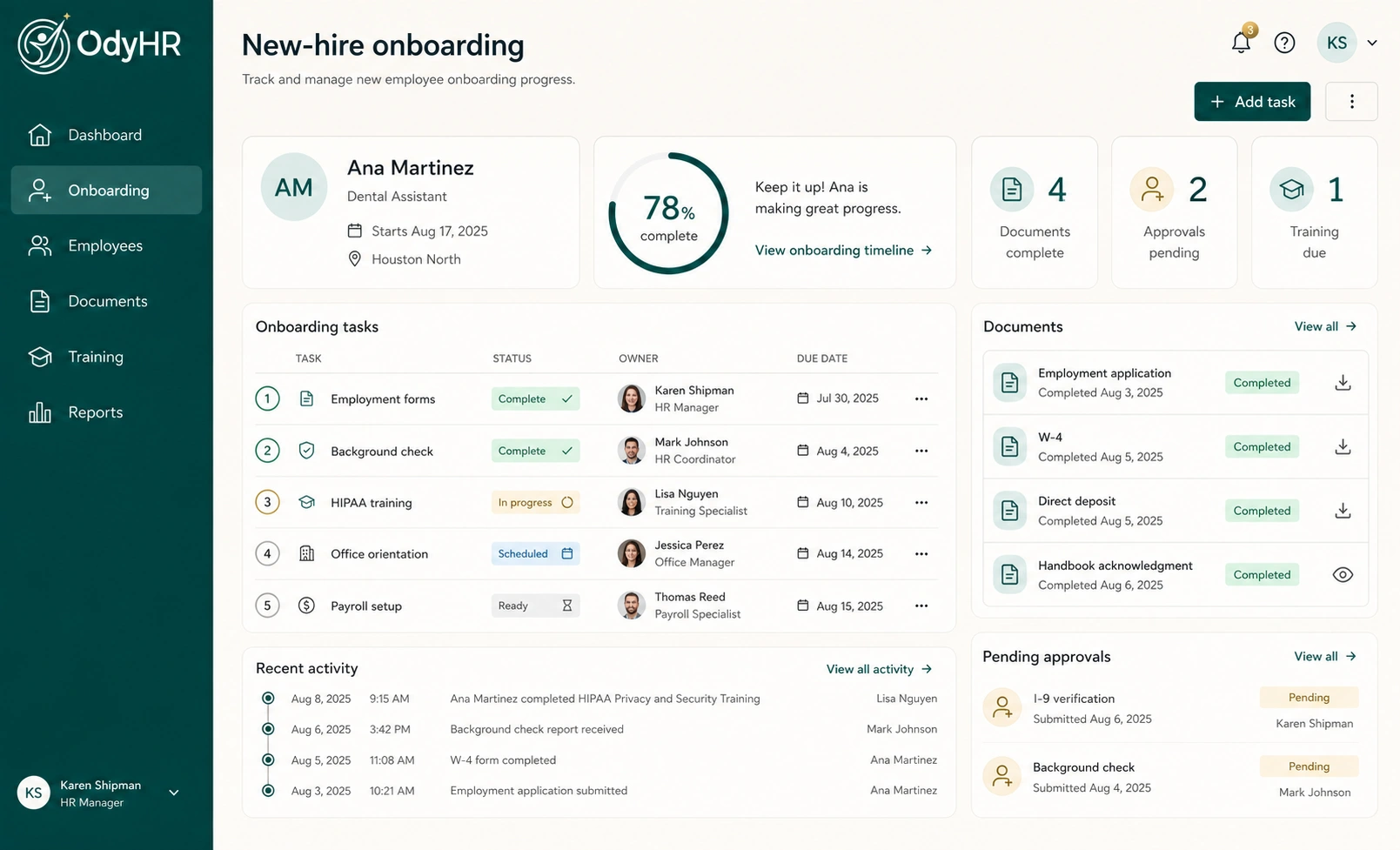
Connect this procedure to the relevant employee onboarding tasks. The useful outcome is concrete: the employee can locate the approved portal route, recognize when to pause and reach the right support contact.
Record the version of the instructions and the practice completed. When the portal changes, update the reference first, then decide who needs a revised walkthrough. Employees who have not used a system recently may need the same support as a new hire.
To organize this kind of workplace procedure, short video assignment and completion record, talk with OdyHR. Bring a fictional example of the process you want employees to follow and confirm the available setup with the team.
AUTHORITATIVE REFERENCES